1
Chapter 6 Positioning Monitoring Package
6.2 Menus and Functions of Positioning Monitoring
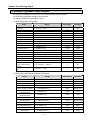
The following is the function and use of the menus of the XGB monitoring package.
6.2.1 Monitoring and Command
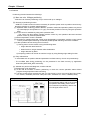
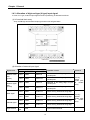
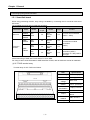
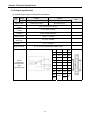
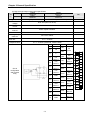
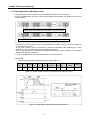
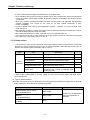
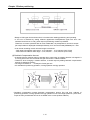
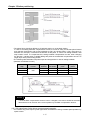
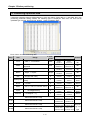
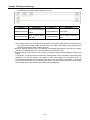
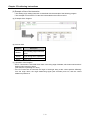
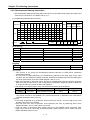
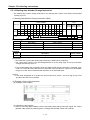
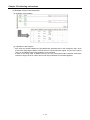
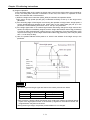
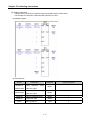
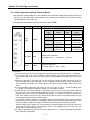
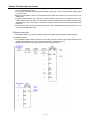
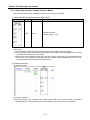
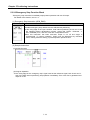
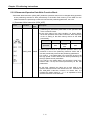
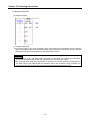
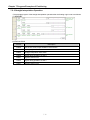
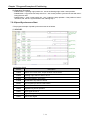
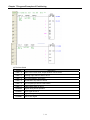
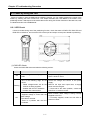
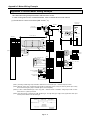
• The positioning monitoring package consists of the command window for positioning test operation and
positioning monitoring window as shown above.
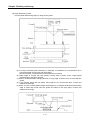
• If you click on the ‘Start Monitor’ button at the left bottom of the package, the monitoring and command
function is activated to make various commands and current status monitoring functions available.
• If you start the command on the left, the corresponding functions are activated without the program and the
status is displayed on the monitoring window on the right.
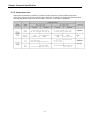
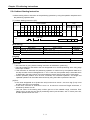
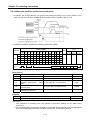
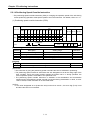
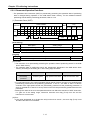
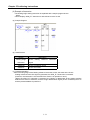
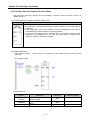
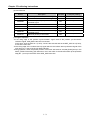
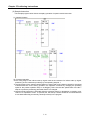
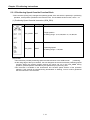
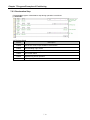
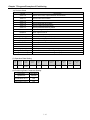
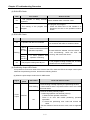
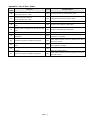
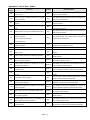
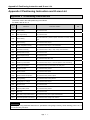
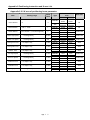
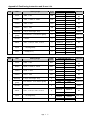
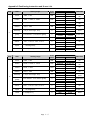
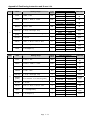
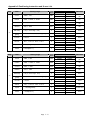
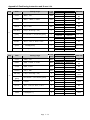
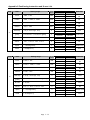
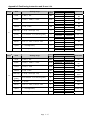
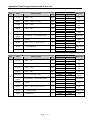
(1) Positioning Command
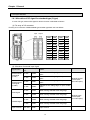
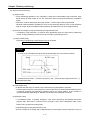
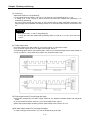
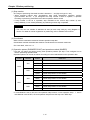
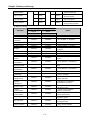
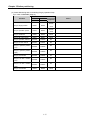
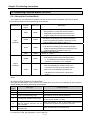
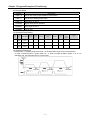
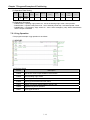
• The commands available in the positioning monitoring package are as follows.
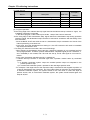
• To execute an command, enter the setting of the command, and click on the ‘Run’ button (「<<」,「<」,
「||」,「>」,「>>」 during jog operation).
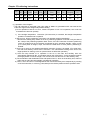
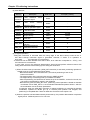
Item
Indirect start
Error reset
Direct start
M code OFF
Dec. stop
EMG stop
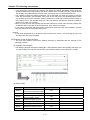
Description
Direct start with the operation step set in the monitoring window
Resets the error code and output inhibition in case of an error
Directly starts with the position, speed, dwell, M code, acc./dec.
number, coordinates and control method set in the monitoring
window
Cancels the M code On signal and M code number
Carries out deceleration stop in the set deceleration time
Stops the operation of the axis and inhibits pulse output
6-3
Command
Remark
IST
5.2.4
APM_IST
5.3.5
CLR
5.2.20
APM_RST
5.3.21
DST
5.2.3
APM_DST
5.3.4
MOF
5.2.17
APM_MOF
5.3.18
STP
5.2.9
APM_STP
5.3.10
EMG
5.2.19
APM_EMG
5.3.20