1
NSD ERP SYSTEM
CRM User Manual
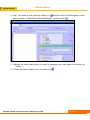
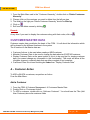
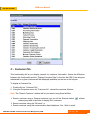
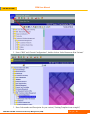
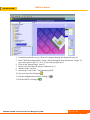
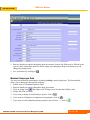
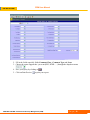
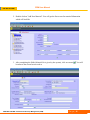
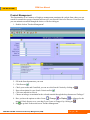
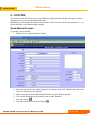
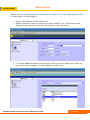
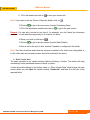
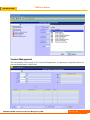
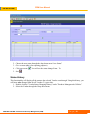
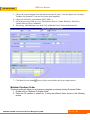
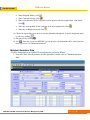
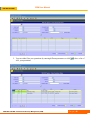
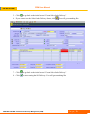
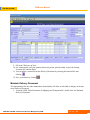
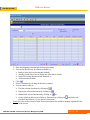
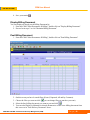
3. Next, you create a node name by clicking on
and then filling in the description on the
pop up window “Create New Tree Node/Maintain” and then click
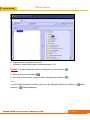
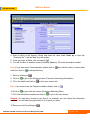
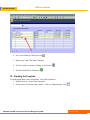
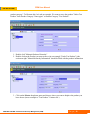
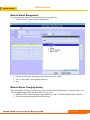
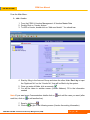
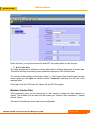
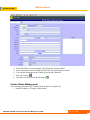
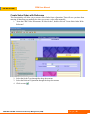
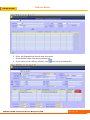
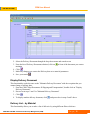
4. Highlight the Node under which you want to transpose from right panel to left panel as
shown
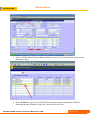
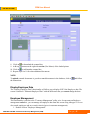
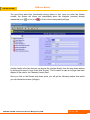
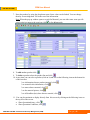
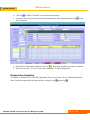
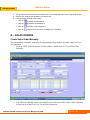
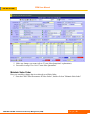
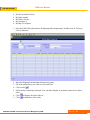
5. Choose the step you want in your Tree and click
NSD ERP SYSTEM / Customer Relationship Management (CRM)
Page |7