1
CRM User Manual
NSD ERP SYSTEM
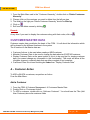
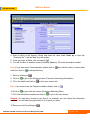
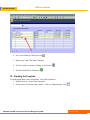
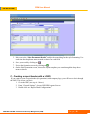
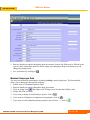
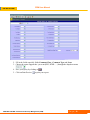
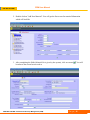
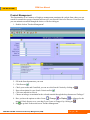
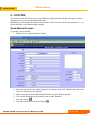
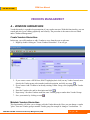
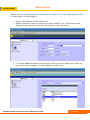
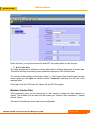
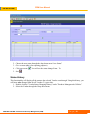
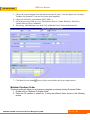
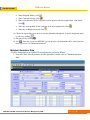
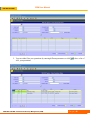
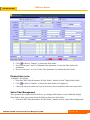
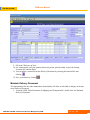
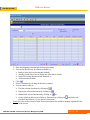
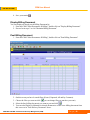
7. Enter the product by using the drop down menu. Some values are defaulted. You can change
them by overwriting them. Fill in the rest of the information.
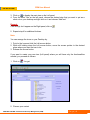
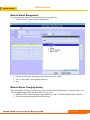
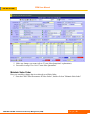
Note: When the pop up window opens to search for Material, you can either enter some specific
search criteria to narrow the search or click
to list all materials.
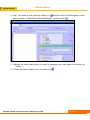
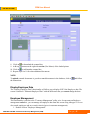
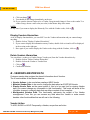
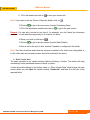
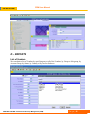
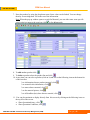
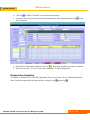
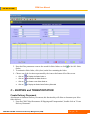
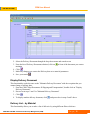
8. To add another product click
9. To delete a product select the product line and click
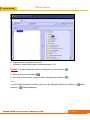
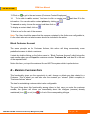
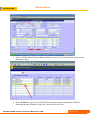
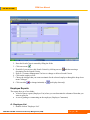
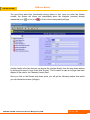
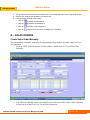
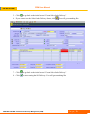
10. At any time you can select a product (click on it) and lick on the following icons at the bottom let
of the screen to:
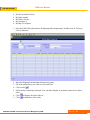
* see information about a product (material) click
* see material sales information, click
* see notes about a material, click
* see the material picture, click
* see all deadline (due) dates about a material, click
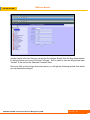
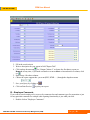
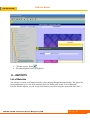
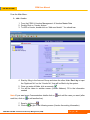
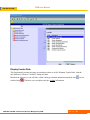
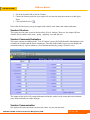
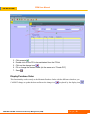
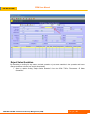
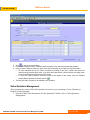
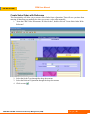
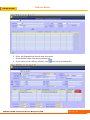
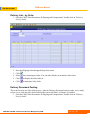
11. You can also maintain or display directly from this screen by clicking on the following icons on
the top left of the screen:
•
Show Quotation history, click
•
Show Quotation Conditions, click
NSD ERP SYSTEM / Customer Relationship Management (CRM)
P a g e | 61