1
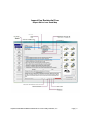
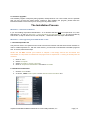
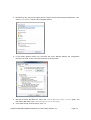
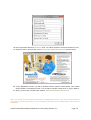
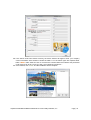
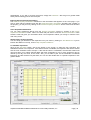
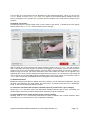
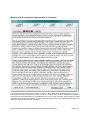
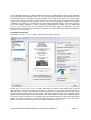
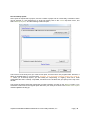
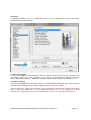
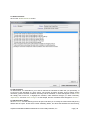
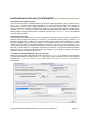
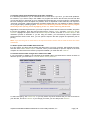
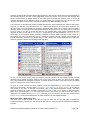
3. Select the “Compatibility” tab (Lower Left figure)
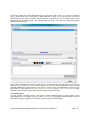
4. Place a check in the box marked “Run this program as an administrator” and click “Ok
(Upper right figure)
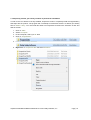
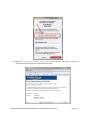
5. Double click the setup program
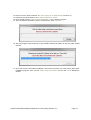
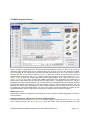
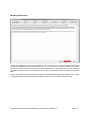
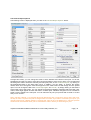
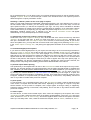
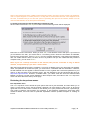
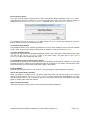
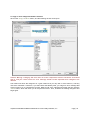
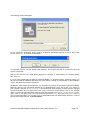
6. Once the program has been installed this window will appear.
7. Remove the check from the box marked “Start InspectVue Residential after finishing Installation”
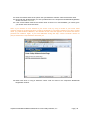
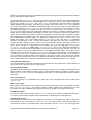
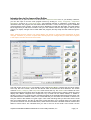
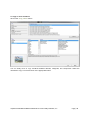
8. Locate the two new icons on your desktop “InspectVue Residential R4.1” and “InspectVue Editor
R4.1”
9. You will be required to perform steps similar to those in steps 2-4 for both icons.
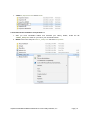
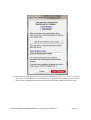
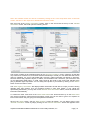
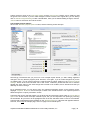
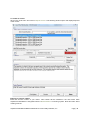
10. RIGHT-click on the file “InspectVue Residential R4.1” and select “Properties”
11. Select the “Compatibility” tab.
InspectVue Residential Manual ©2003-2011 Porter Valley Software, Inc.
Page | 16