1
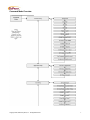
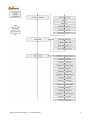
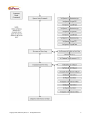
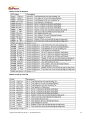
Transaction Types
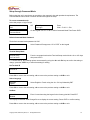
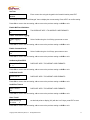
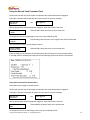
Clear Transaction Log
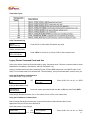
Service
Clear Trans Log
Press <ENT> to Select Clear Transaction log mode.
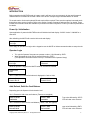
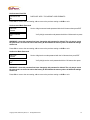
Confirm to clear meters
Clear Log?
ENT=Yes CLR=No
Press <ENT> to Clear the Log. Press <CLR> to leave meters intact
Legacy Format Command Cards and Use
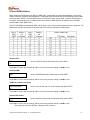
Some of the Service functions can be achieved by using “Command” cards. There are command cards to initiate
Read Meters, Print Meters, Clear Meters, and Print Transaction Log.
Legacy Command cards must be the matching Format, STX and ROM code as set in the MiniTill under “Card
Setup” For Command cards to be accepted the “Terminal Setting” “Accept Command cards” must be set to yes.
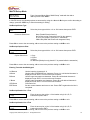
Using the Read Meters Command Card
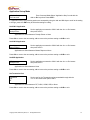
At the Idle prompt or Login Prompt
Please Insert
Card
OR
Enter Operator
# to Login
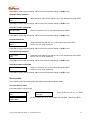
Press <CLR> <D> <9> <5> <1> <ENT>
Insert the Read Meters Card.
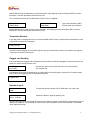
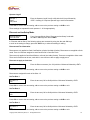
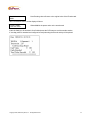
Sort Meters by
Summary Only
Select the meters report desired with the <A> or <B> keys then Press <ENT>
Scroll through the Meters with the <A> or <B> buttons. Press <CLR> to exit read meters
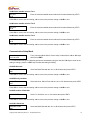
Using the Print Meters Command Card
Before Printing (Sending) meters be sure to connect the printer or data collection device to the
appropriate Com port on the rear of the MiniTill.
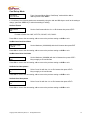
At the Idle prompt or Login Prompt
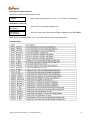
Please Insert
OR
Enter Operator
Copyright 2009, GoPrint Systems, Inc. All Rights Reserved
Press <CLR> <D> <9> <5> <1> <ENT>
24