1
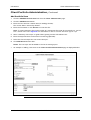
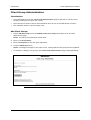
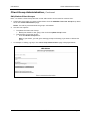
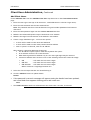
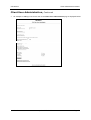
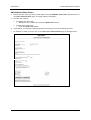
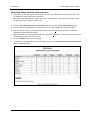
CEO Advisor Client Administrator Manual Client Administration Details Introduction • The Super Administrator establishes the original CEO Advisor site. Then Client Administrators use this page (see below) to edit the CEO Advisor information. • After selecting a CEO Advisor site to work on, the Client Administration page will appear. This pages acts as the main administration. • From this page you are able to: • Edit the client’s details. • Add/edit portfolio items. • Add/edit client user group. • Add/edit client users. • View/edit client users/group access. • View/edit client portfolio/group access. • Change password details • An example of the main Client Adminstration page is displayed below: ACNielsen Updated: 05/12/03 Page 3