1
Operating Basics
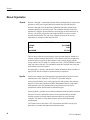
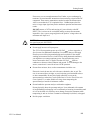
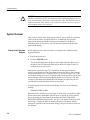
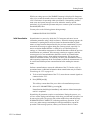
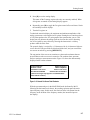
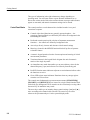
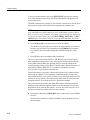
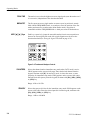
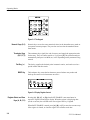
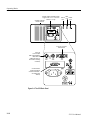
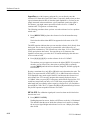
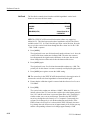
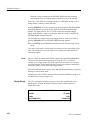
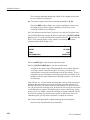
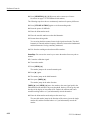
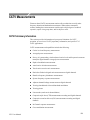
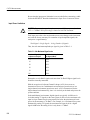
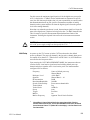
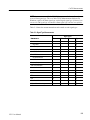
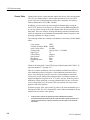
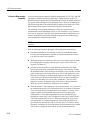
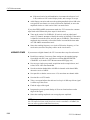
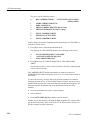
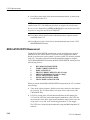
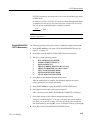
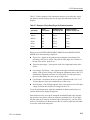
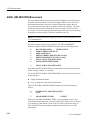
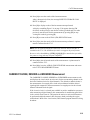
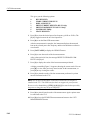
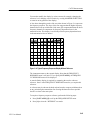
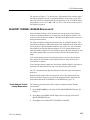
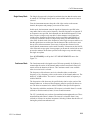
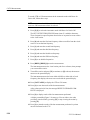
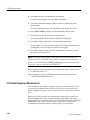
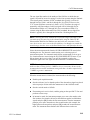
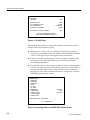
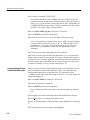
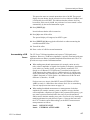
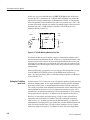
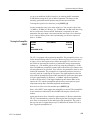
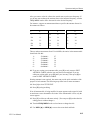
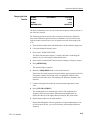
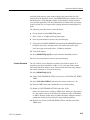
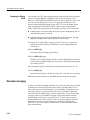
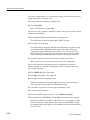
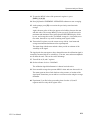
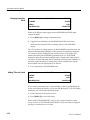
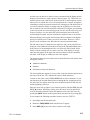
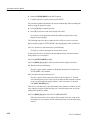
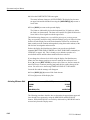
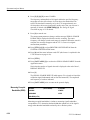
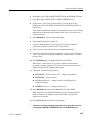
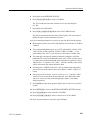
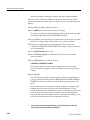
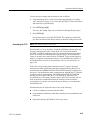
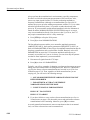
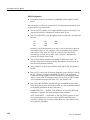
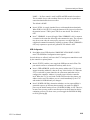
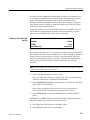
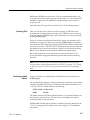
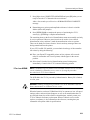
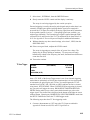
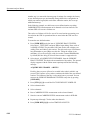
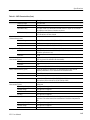
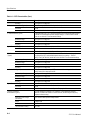
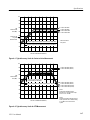
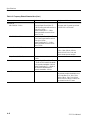
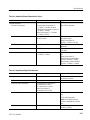
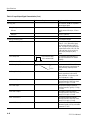
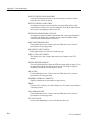
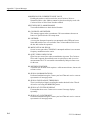
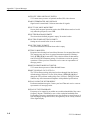
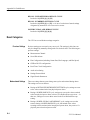
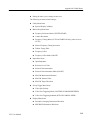
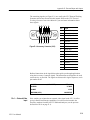
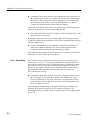
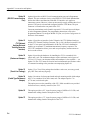
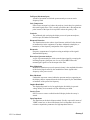
Figure 3–5: The Keypad
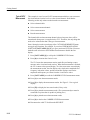
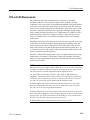
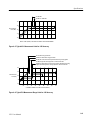
Numeric Keys (0–9)
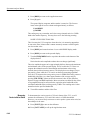
Numeric keys are used to enter numerical values in the immediate entry mode or
in response to menu prompts. They are also used to select the numbered items
from menus.
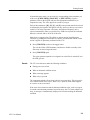
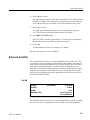
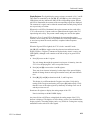
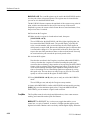
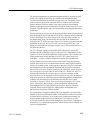
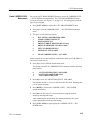
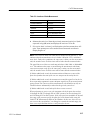
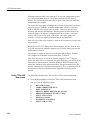
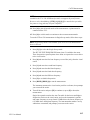
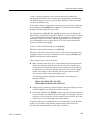
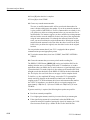
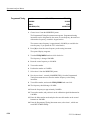
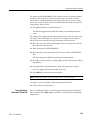
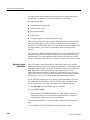
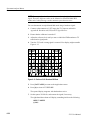
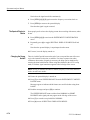
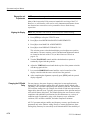
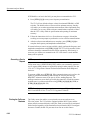
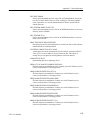
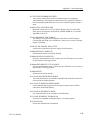
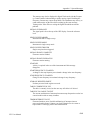
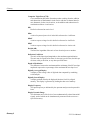
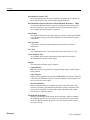
Terminator Keys
(W, X, Y, Z)
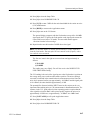
The terminator keys signify the end of an entry, and supply the appropriate units
for the entry. They are context sensitive; if you press [X], the spectrum analyzer
automatically interprets it as MHz, ms, or mV depending on the parameter being
entered.
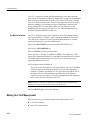
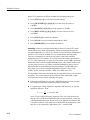
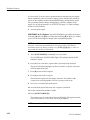
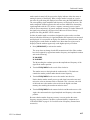
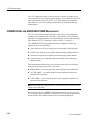
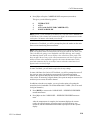
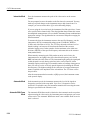
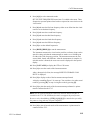
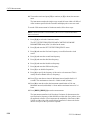
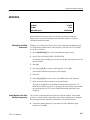
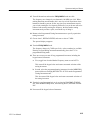
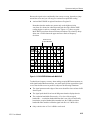
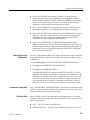
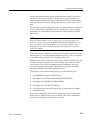
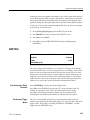
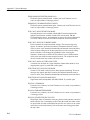
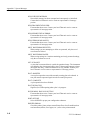
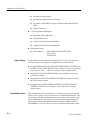
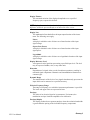
Dot Key (ĂDĂ)
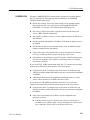
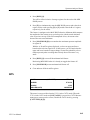
BKSP Key
The dot key supplies the decimal point in numeric entries, and can be used as a
period in label and title entries.
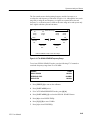
The backspace key erases the last character pressed in data entry modes and
backs up one menu level when menus are active.
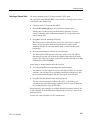
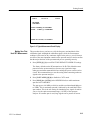
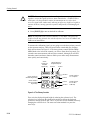
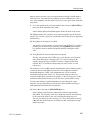
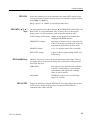
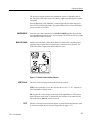
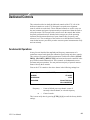
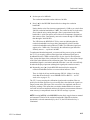
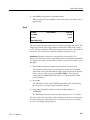
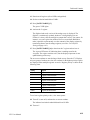
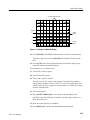
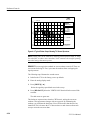
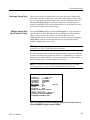
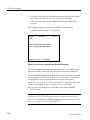
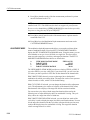
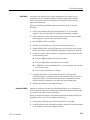
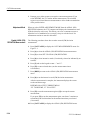
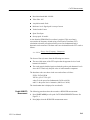
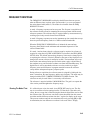
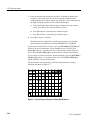
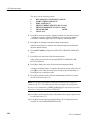
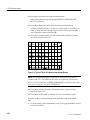
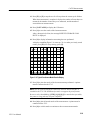
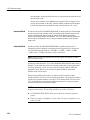
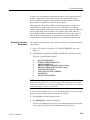
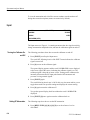
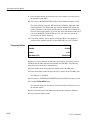
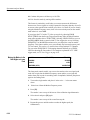
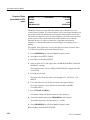
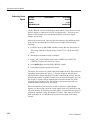
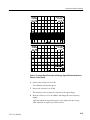
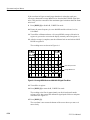
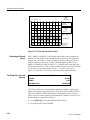
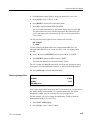
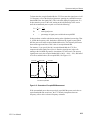
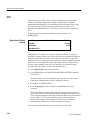
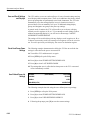
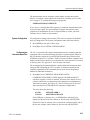
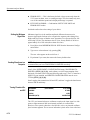
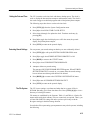
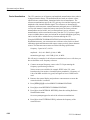
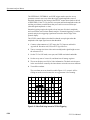
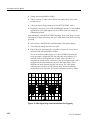
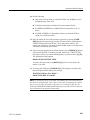
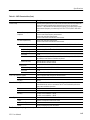
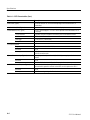
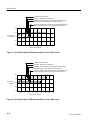
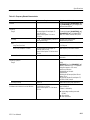
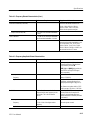
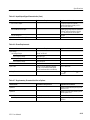
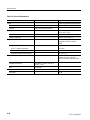
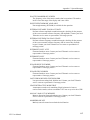
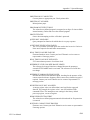
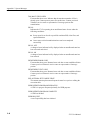
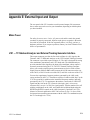
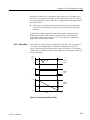
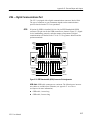
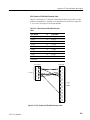
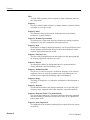
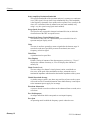
Figure 3–6: Display Register Control
Register Select and Save
Keys (A, B, C, D)
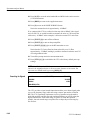
Pressing [A], [B], [C], or [D] when SAVE ENABLE is not armed turns its
respective register on and off for display. When the register is displaying data
(saved or current), the red LED to the lower right of the key is lighted.
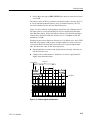
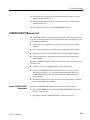
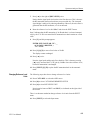
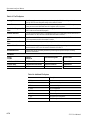
When SAVE ENABLE is armed, press [A], [B], or [C] to store the current sweep
if the register is cleared, or clear the register if it contains saved data.
3–6
2715 User Manual