1
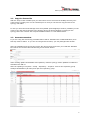
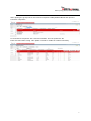
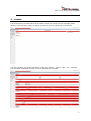
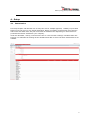
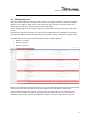
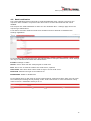
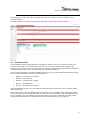
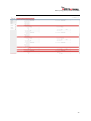
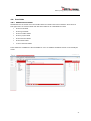
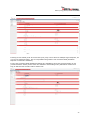
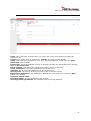
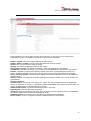
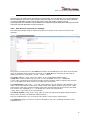
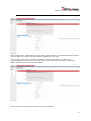
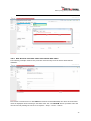
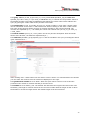
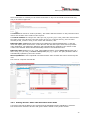
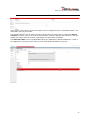
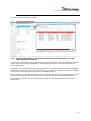
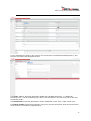
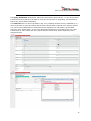
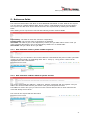
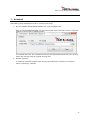
Exact Synergy Enterprise Workflow Plus For a free request field of type text, guid and number the following additional fields are available to select a browser Browser: The browser to be used for this field. The browser can be selected from a list of browsers. The first browsers displayed are a number of standard system browsers and your own custom defined browser. After these browsers all browsers available in the repository are displayed. Division: The field which will determine the division to be used for the browser. The following options are available Creator (Division): the division of the creator will be used for the browser Person (Division): the division of person selected in the person field will be used for the browser Current (Division): the division of the user currently logged in will be used for the browser Division: the division used for the browser is based on the division field ‘division 2’ Result columns: The result columns are the normally two columns in the table with the first column being the key value (the value which will be stored when saving the request) and the description column which is used to display the description and/or hyperlink of the browser. The result columns field is also available in the browser maintenance when already filled in as required at the browser this doesn’t need to be entered again. Reference URL: The application which should be opened when clicking the hyperlink right of the browser. Reference SQL: When a different reference / description should be displayed a query can be entered here which will get the reference value. The query will be similar to SELECT cmp_name FROM cicmpy WHERE cmp_wwn = @P1. Where cmp_name is the description which will be displayed and cmp_wwn is the key the @P1 will be automatically replace by the actual value. Alternate Key SQL: This query will be used in case a different key value should be used. 25