1
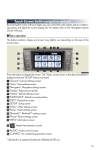
■ Menu
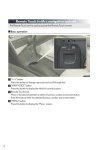
Press the “MENU” button on the Remote
Touch to display the “Menu” screen.
1 “Destination” (→P.51)
2 “Info/Apps”
3 “Setup”
4 “Radio” (→P.61)
5 “Media” (→P.60)
6 “Climate” (→P.64)
7 “Phone” (→P.55)
8 “Display” (→P.49)
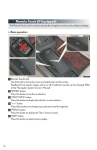
■ Display
Press the “MENU” button on the Remote
Touch and select “Display” on the “Menu”
screen.
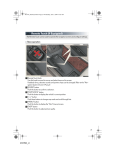
1 Displays the screen in “Day Mode”
with the headlight switch on
2 Turns the screen off
3 Change function
4 Adjust contrast/brightness
49
ES350_QG_OM33A11U_(U)