1
5 GT SOFTGOT OPERATING METHOD
MELSOFT
5.7 Opening the Project
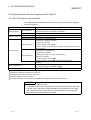
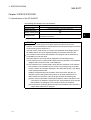
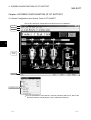
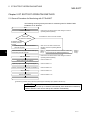
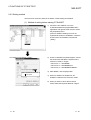
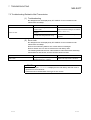
Choose any
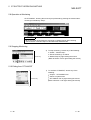
[Tool bar]
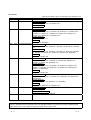
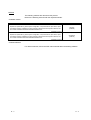
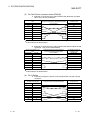
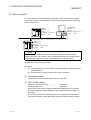
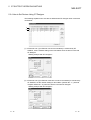
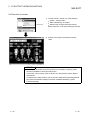
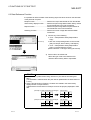
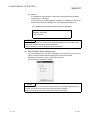
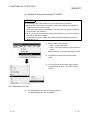
1) To open a project, choose any of the following.
"Project" - "Open"
"Open project" on toolbar
"Open" by right-clicking the mouse
(Refer to Section 4.2 for right-clicking the mouse)
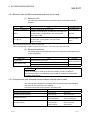
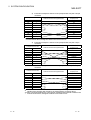
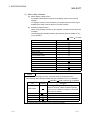
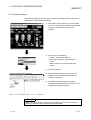
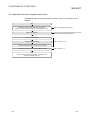
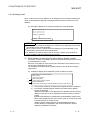
2) Choose the project where the monitor data
created on GT Designer is stored.
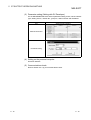
3) The left dialog box appears.
(The dialogue box is not displayed if GT
SoftGOT is already in online mode.)
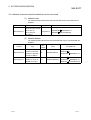
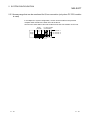
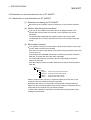
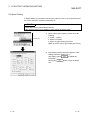
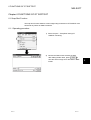
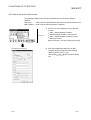
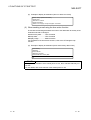
Yes
Select
to start monitoring the project
monitored previously.
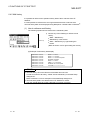
(Display the Utility screen in order to open a
project for the first time.)
(To the following page)
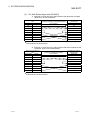
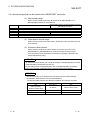
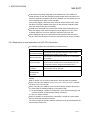
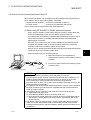
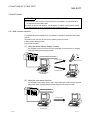
Turn the power supply to the PLC off or
disconnect the communication cable that
connects the personal computer and PLC in
advance if it is not desired to go into online mode
with the previous monitor data or if it is desired to
open a project in off-line mode.
5 - 25
5 - 25