1
Database Monitors
3
4
5
258
Oracle (Basic Checks)
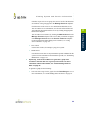
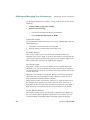
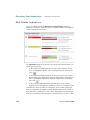
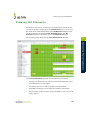
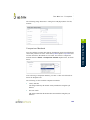
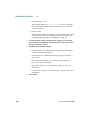
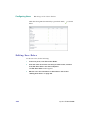
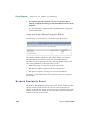
Click the Save for Graphing checkbox to save the data for a
metric to the DataStore, which can be used to generate a report
or graph.
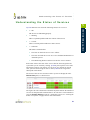
Complete the following settings:
•
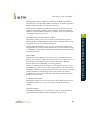
Timing Settings (see “Adding Monitor Timing Settings Information”
on page 148 for more information)
•
Alert Settings (see “Monitor Alert Settings” on page 148 for more
information)
•
Monitoring Period settings (see “Monitor Timing Settings” on
page 146 for more information)
•
Alert Profile settings (see “Alert Profiles” on page 381 for more
information)
•
Action Profile settings (see “Action Profiles” on page 389 for more
information)
Click Finish .
up.time 5 User Guide