1
. . . . .
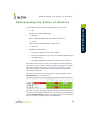
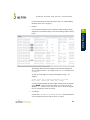
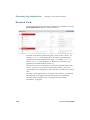
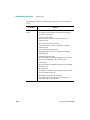
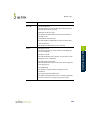
Process Count Check
3
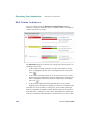
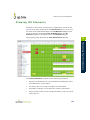
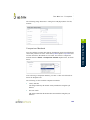
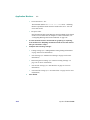
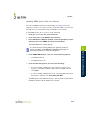
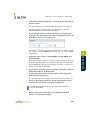
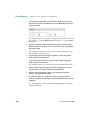
To save the data from the thresholds for graphing or reporting,
click the Save for Graphing checkbox beside each of the metrics
that you selected in step 3.
4
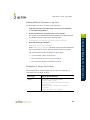
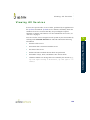
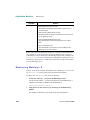
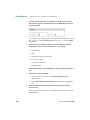
Complete the following settings:
Timing Settings (see “Adding Monitor Timing Settings Information”
on page 148 for more information).
•
Alert Settings (see “Monitor Alert Settings” on page 148 for more
information).
•
Monitoring Period settings (see “Monitor Timing Settings” on
page 146 for more information).
•
Alert Profile settings (see “Alert Profiles” on page 381 for more
information)
•
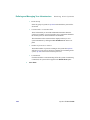
Action Profile settings (see “Action Profiles” on page 389 for more
information)
9
Click Finish.
175
Agent Monitors
5
•