1
. . . . .
Interfacing with up.time
VMware vCenter Orchestrator Integration
Administrators can configure Action Profiles to automatically carry out
tasks in the event of an up.time alert. One such task is the initiation of
contact with VMware vCenter Orchestrator, and the execution of a
workflow. To have access to this functionality, up.time needs to know how
to communicate with Orchestrator.
For information about Action Profiles and VMware vCenter Orchestrator,
see “Action Profiles” on page 389.
Integrating up.time with VMware vCenter Orchestrator
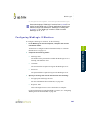
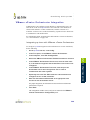
To configure up.time integration with Orchestrator to execute workflows,
do the following:
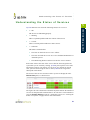
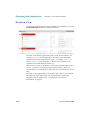
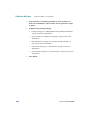
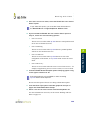
On the up.time tool bar, click Config .
2
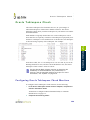
In the Tree panel, click VMware vCenter Orchestrator.
3
In the sub panel, click Edit Configuration .
4
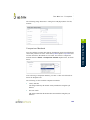
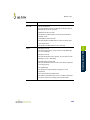
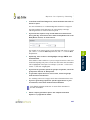
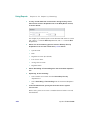
Ensure the VMware Orchestrator Enabled check box is selected.
5
7
8
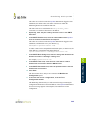
In the VMware Orchestrator Port field, enter the port the
Orchestrator server was configured to use in order to
communicate with other systems.
Optionally select the Use SSL check box if Orchestrator was
configured to use an SSL certificate.
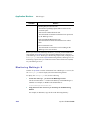
Enter the Username and Password of an appropriate user
account on the Orchestrator server.
For proper integration, an Orchestrator account with View and Execute
permissions is required.
9
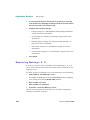
Click Save .
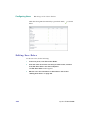
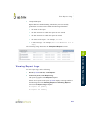
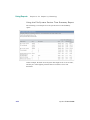
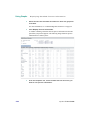
The configuration window closes, and you are returned to the VMware
vCenter Orchestrator Configuration panel.
539
Configuring up.time
6
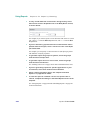
In the VMware Orchestrator Server field, enter the host name
of, or IP address assigned to the Orchestrator server when it was
configured.
22
1