1
10. Overflow
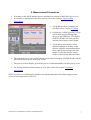
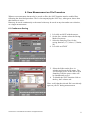
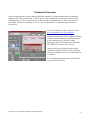
All times the measurement head will undergo to power levels above its full scale, an OVERFLOW
alarm is displayed. Refer to the PLUS Monitor User’s Manual for more information.
As soon as the power level returns below the permitted full scale, acquisition will be enabled again.
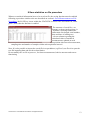
Note: When the saving function is enabled, the OVERFLOW alarm will be displayed in the Process
Parameter column.
11. Cool
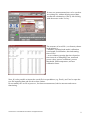
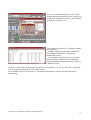
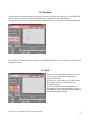
Whenever the temperature of detector head is
above its limit, this will be displayed as a
COOL alarm (red).
In this cases, switch the laser off and cool the
head taking care not to contaminate the
absorbing surface.
Note: occasional dirt or contamination of
absorbing surfaces may compromise system
performance both regarding damage thresholds
and measurement precision.
LaserPoint srl PLUSSoftUsb User Manual All Rights Reserved
15