1
User Manual
•
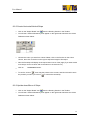
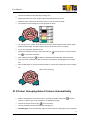
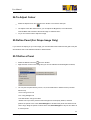
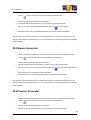
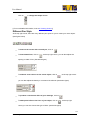
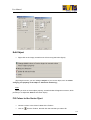
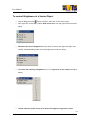
Click on the "Add all Colour from Images" Tool
, then click
. (If you want to have
different colours of pattern to be generated, click on the colours you want to add from
Colour Palette)
•
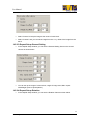
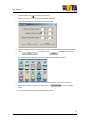
Within the Repeat Setup window, there are 8 different type of options including
Background Image, Block Centre Offset,General Setting, Half-drop/shift (mentioned
before), Rotation and Display order.
•
•
Click on
when done.
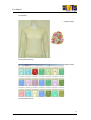
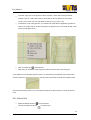
All possibility of the pattern will be generated on screen. Click on the one you want and
choose "Show preview".
•
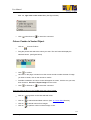
Click on
•
Click on the canvas when done or
at the top left corner to confirm.
to cancel.
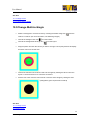
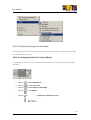
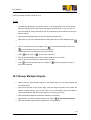
14.5.2.Generate Multiple Images
•
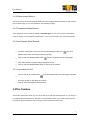
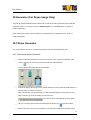
When generating more than one images, you need to generate them from the Image
List.
•
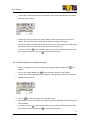
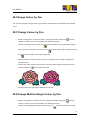
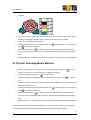
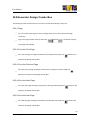
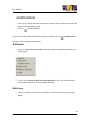
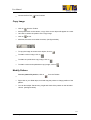
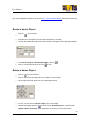
At the bottom of the Image List, click on the Repeat Generator Tool
•
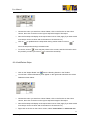
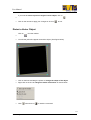
Click on the Repeat Generator Tool
•
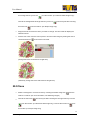
Click on the "Add all Colour from Images" Tool
.
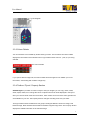
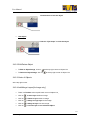
. You will see a Tool Bar as shown below.
, then click
. (If you want to have
different colours of pattern to be generated, click on the colours you want to add from
Colour Palette)
•
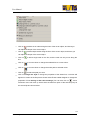
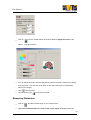
Within the Repeat Setup window, there are 8 different type of options including
Background Image, Block Centre Offset,General Setting, Half-drop/shift (mentioned
before), Rotation and Display order.
•
•
Click on
when done.
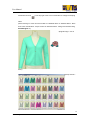
All possibility of the pattern will be generated on screen. Select the one you want and
choose "Show preview".
•
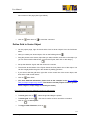
Click on
•
Click on the canvas when done or
at the top left corner to confirm.
to cancel.
53
SmartDesigner
TM