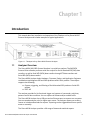
1
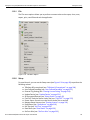
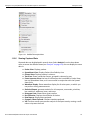
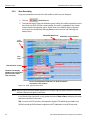
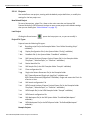
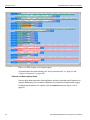
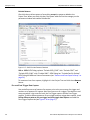
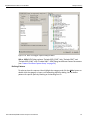
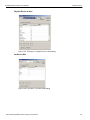
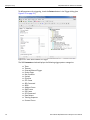
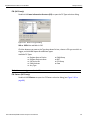
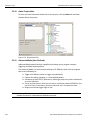
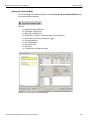
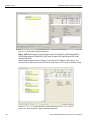
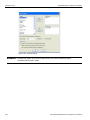
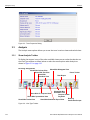
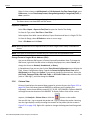
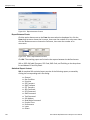
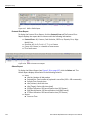
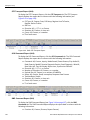
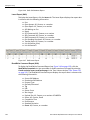
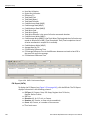
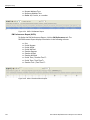
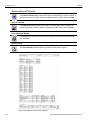
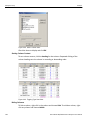
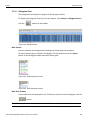
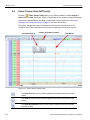
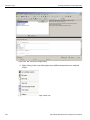
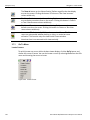
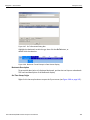
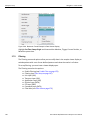
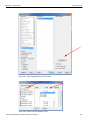
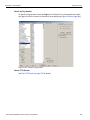
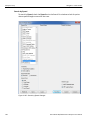
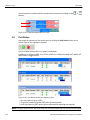
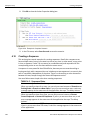
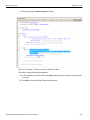
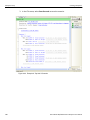
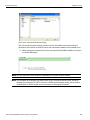
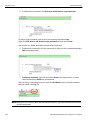
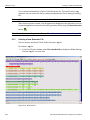
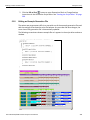
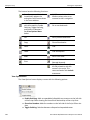
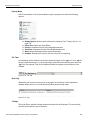
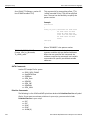
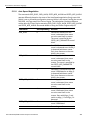
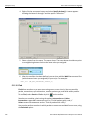
Teledyne LeCroy Navigation + View Toolbar Figure 3.89: Bookmark Found Example in Data Viewer Display Highlight Set Time Stamp Origin and choose either Absolute, Trigger, Current Position, or Based on system time. 3.7.2 Filtering The Filtering menu and options allow you to modify data in the sample viewer display to exclude packets with a set of user‐defined patterns and show the results in all views. To set up filtering, you must have a viewer display open. The Filtering menu has the options: 166 Enable Filtering (see Enable Filter on page 178) Filtering (see Filter Setup on page 167) Link Layer (SAS) Transport Layer (SAS) Application Layer (SAS) Physical Layer (SATA) FIS Layer (SATA) Command Layer (SATA) Filter Idles (see Filter Idle on page 179) Sierra M124 SAS/SATA Protocol Analyzer User Manual