1
Analysis
Teledyne LeCroy
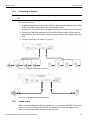
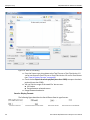
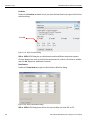
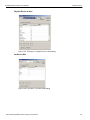
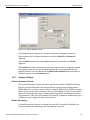
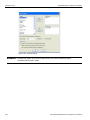
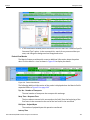
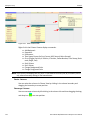
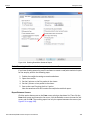
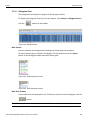
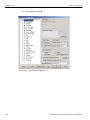
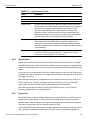
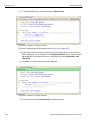
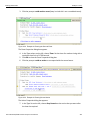
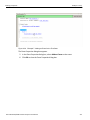
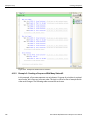
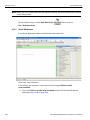
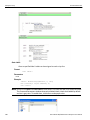
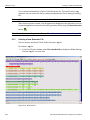
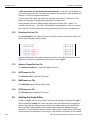
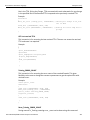
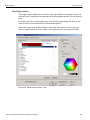
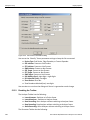
Figure 3.26: SATA: Waveform View
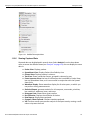
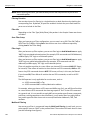
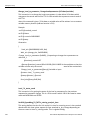
Making a Timing Measurement
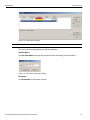
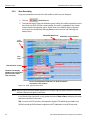
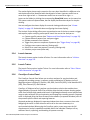
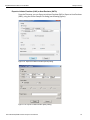
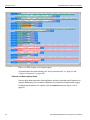
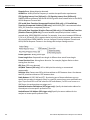
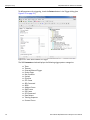
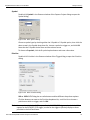
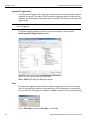
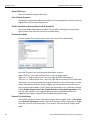
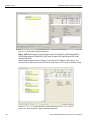
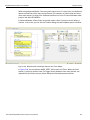
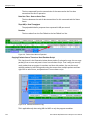
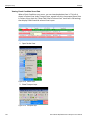
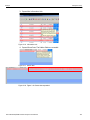
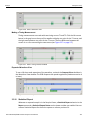
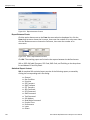
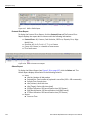
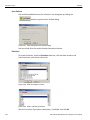
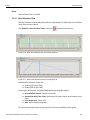
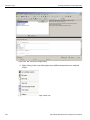
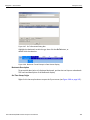
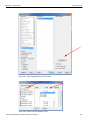
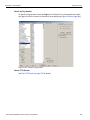
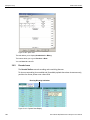
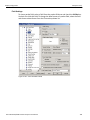
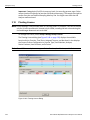
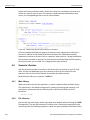
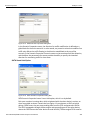
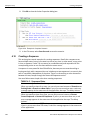
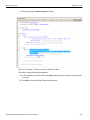
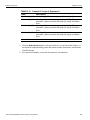
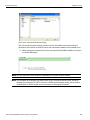
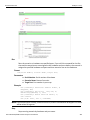
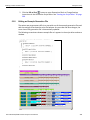
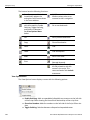
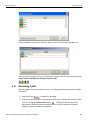
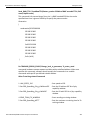
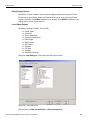
Timing measurements are made with two timing cursors T1 and T2. Click the left mouse button in the gray bar on the top of the waveform display at a point for the T1 cursor, and the right mouse button at a point for the T2 cursor. The time difference between the cursors is on a line connecting the two cursors (see Figure 3.27 on page 127).
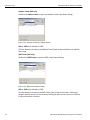
Figure 3.27: SATA: Timing Cursors Enabled
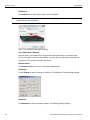
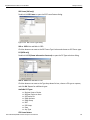
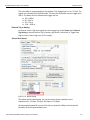
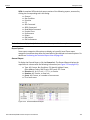
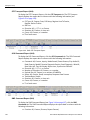
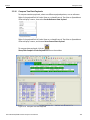
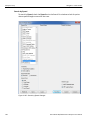
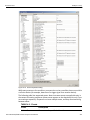
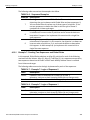
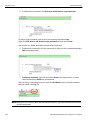
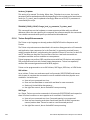
Expanded Waveform View
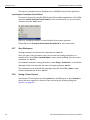
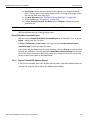
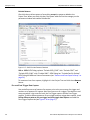
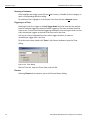
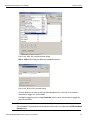
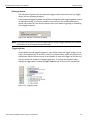
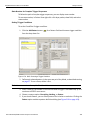
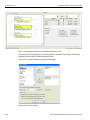
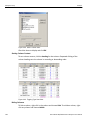
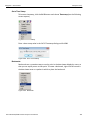
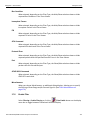
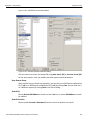
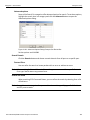
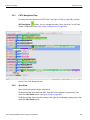
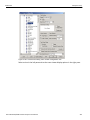
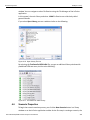
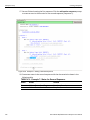
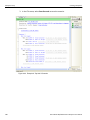
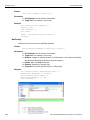
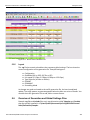
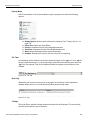
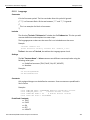
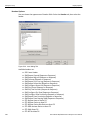
To see a 10x time scale expansion of the waveform, uncheck the Compact View checkbox in the Waveform View window. The OOB Sequence has speed negotiation (Hardware version 4 or later). Figure 3.28: SATA: Expanded Waveform View
3.3.10
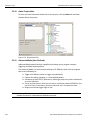
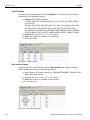
Statistical Report
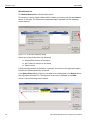
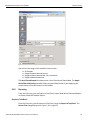
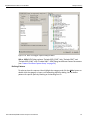
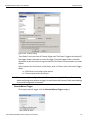
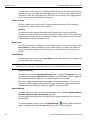
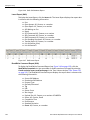
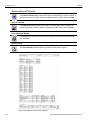
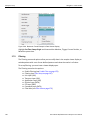
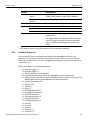
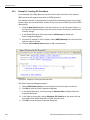
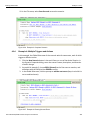
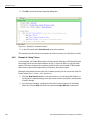
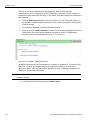
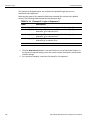
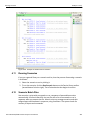
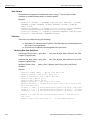
Whenever a captured sample is in the Sample Viewer, a Statistical Report selection in the Report menu and a Statistical Report Button on the viewer toolbar are enabled. You can create a Statistical Report for the entire capture or select a portion of it.
Sierra M124 SAS/SATA Protocol Analyzer User Manual
127