1
Teledyne LeCroy
Sierra Trainer Generation Language
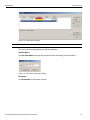
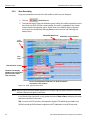
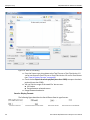
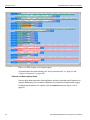
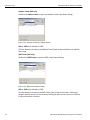
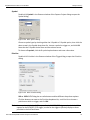
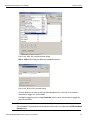
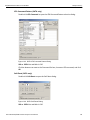
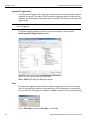
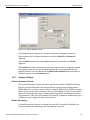
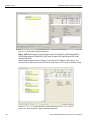
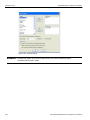
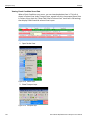
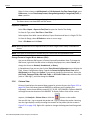
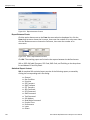
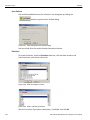
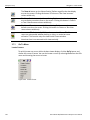
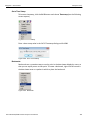
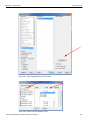
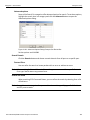
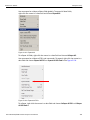
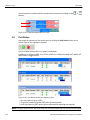
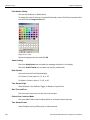
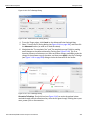
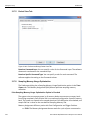
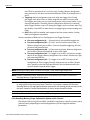
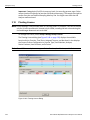
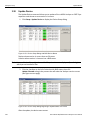
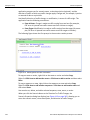
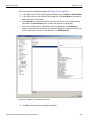
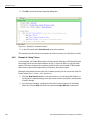
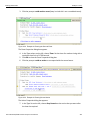
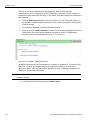
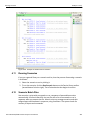
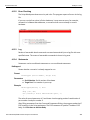
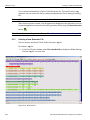
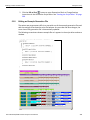
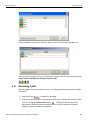
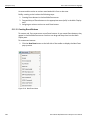
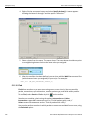
4. Right‐click the new event button and select Specify Action(s). A menu appears showing the letters A through F and the option “No action.”
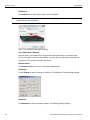
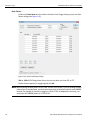
5. Select a letter from the menu. The menu closes. The event button should now point to a neighboring button that has the letter value you assigned.
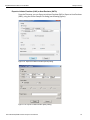
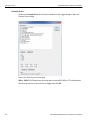
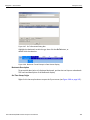
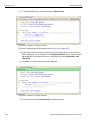
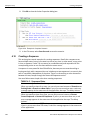
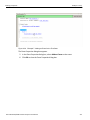
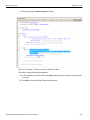
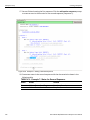
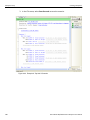
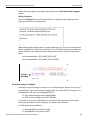
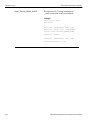
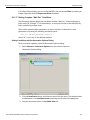
6. After the condition has been defined, you can then add the Wait For command line (with whatever letter you assigned) to your script. For example:
Wait_For {WF_REC_RESOURCES_OUTPUT_A}
5.11.18 Find
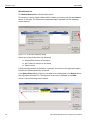
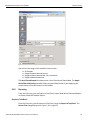
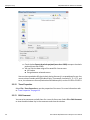
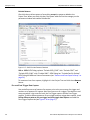
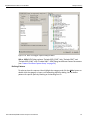
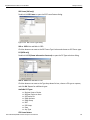
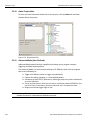
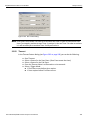
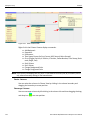
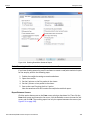
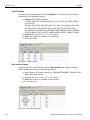
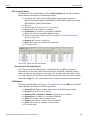
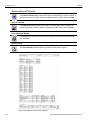
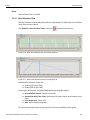
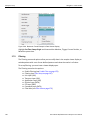
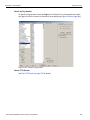
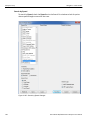
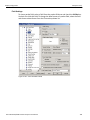
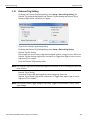
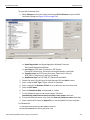
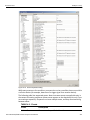
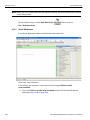
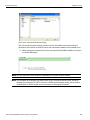
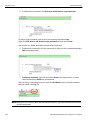
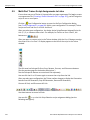
Find allows searches on an open trace using one or more criteria. You can search by packet, transactions, split transaction, transfer, packet type, and fields within packets. To run Find, select Search > Find or by click on the toolbar. Searches can combine criteria using the options Intersection and Union. Intersection creates AND statements such as “Find all packets with x and y.” Union creates OR statements such as “Find all packets with x OR y.”
You can also perform searches in which packets or events are excluded from a trace, using the Exclusion option.
374
Sierra M124 SAS/SATA Protocol Analyzer User Manual