1
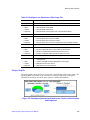
Using SNMP
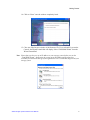
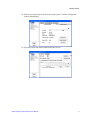
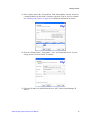
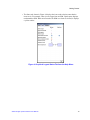
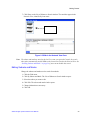
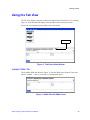
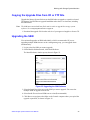
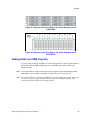
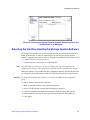
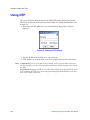
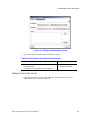
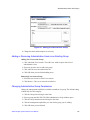
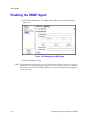
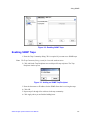
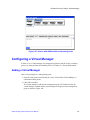
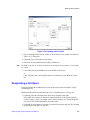
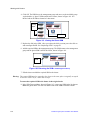
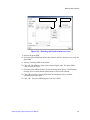
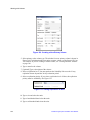
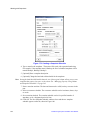
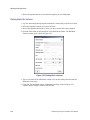
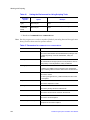
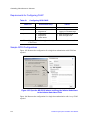
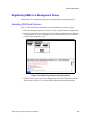
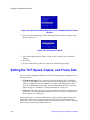
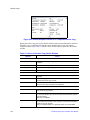
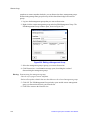
Figure 112. Enabling SNMP Traps
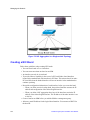
Enabling SNMP Traps
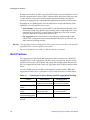
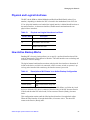
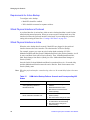
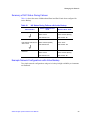
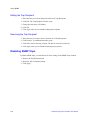
1. Enter the Trap Community String. This is required if you want to use SNMP traps.
Note: The Trap Community String is used for client-side authentication.
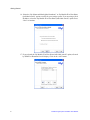
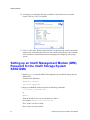
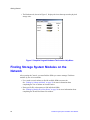
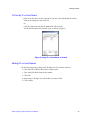
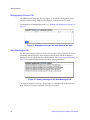
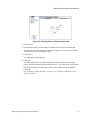
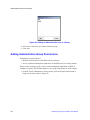
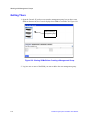
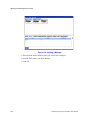
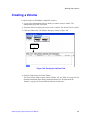
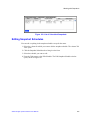
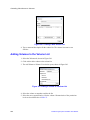
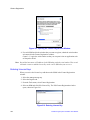
2. Click Add in the Trap Recipients area to add specific trap recipients. The Trap
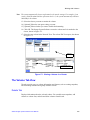
Recipient window opens.
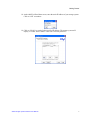
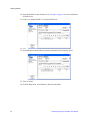
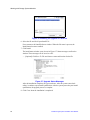
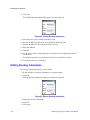
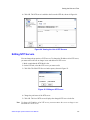
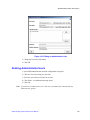
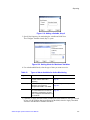
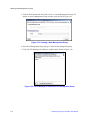
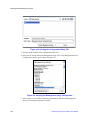
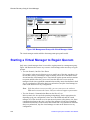
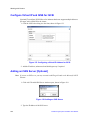
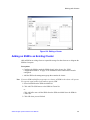
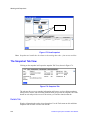
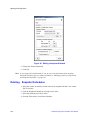
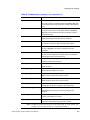
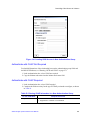
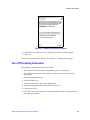
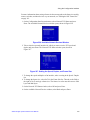
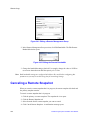
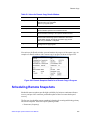
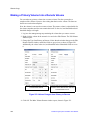
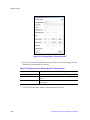
Figure 113. Adding an SNMP Trap Recipient
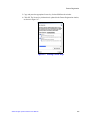
3. Enter the host name or IP address for the SNMP client that is receiving the traps.
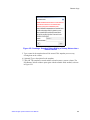
4. Click OK.
5. Repeat steps 2 through 4 for each host in the trap community.
6. Click Apply when you are finished adding hosts.
Intel® Storage System Software User Manual
147