1
Working with Volumes
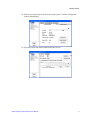
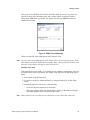
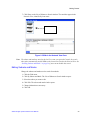
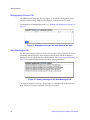
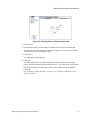
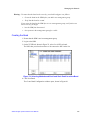
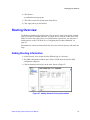
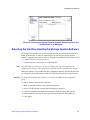
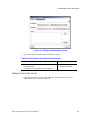
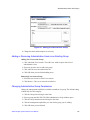
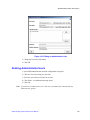
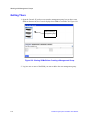
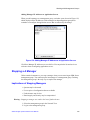
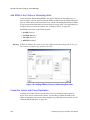
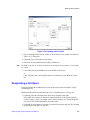
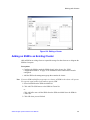
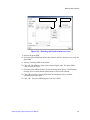
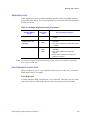
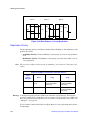
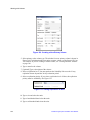
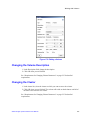
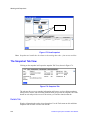
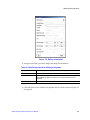
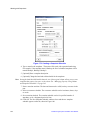
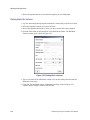
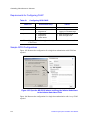
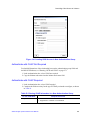
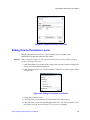
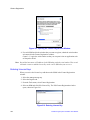
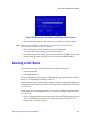
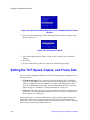
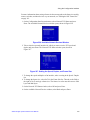
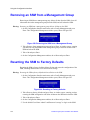
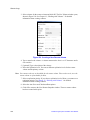
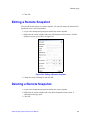
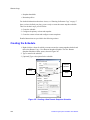
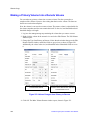
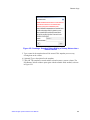
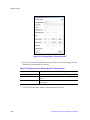
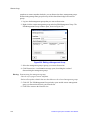
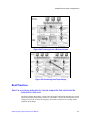
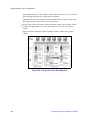
Figure 172. Editing a Volume
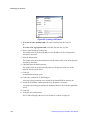
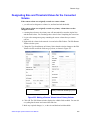
Changing the Volume Description
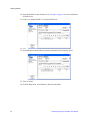
1. In the Description field, change the description.
2. Click OK when you are finished.
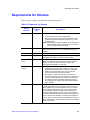
See “Requirements for Changing Volume Parameters” on page 235 for detailed
requirements.
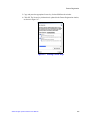
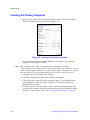
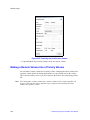
Changing the Cluster
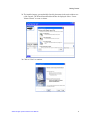
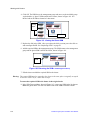
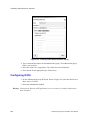
1. In the cluster list, select the cluster to which you want to move the volume.
2. Click OK when you are finished. The volume will reside on both clusters until all of
the data is moved to the new cluster.
See “Requirements for Changing Volume Parameters” on page 235 for detailed
requirements.
Intel® Storage System Software User Manual
237