1
AUXILIARY CONTROL
2.2.13
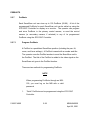
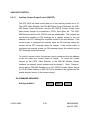
Auxiliary Contact Output Control (ON/OFF).
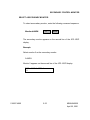
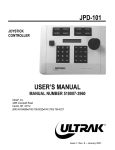
The JPD-100/P can send control data out to turn auxiliary devices on or off.
The CATS Video Switcher, the CRX-800 Series Control Receivers, the CRX500 Series Control Receivers, and the AIF-100/CO Contact Output Units
have contact outputs for connection to VCR's, flood lights, etc. The CRX800 Receivers and the AIF-100/CO units are addressable. The contacts are
controlled by sending an ON message for a specific contact to the unit
address or an OFF message for a specific contact to the unit address. If the
contact output is configured as normally open, an ON message closes the
contact and an OFF message opens the contact. If the contact output is
configured as normally closed, an ON message opens the contact and an
OFF message closes the contact.
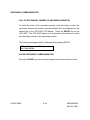
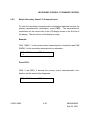
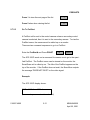
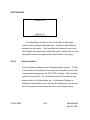
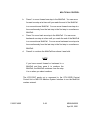
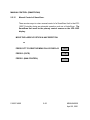
To control a contact output, the primary control camera must be the address
of the unit where the contact output is located. To control the contact
outputs on the CATS Video Switcher or the MSI-100 Medium System
Interface, the primary control camera must be camera 1. Note: Camera 1
cannot have a CRX-800 Receiver or an AIF-100/CO Contact Output Device
if a CATS Video Switcher or MSI-100 Unit is installed in the system and the
system requires control of the contact outputs.
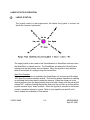
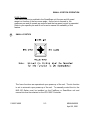
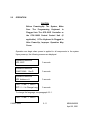
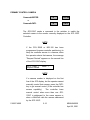
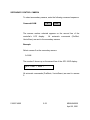
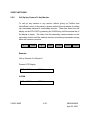
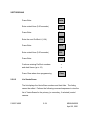
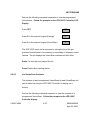
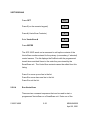
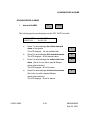
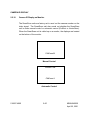
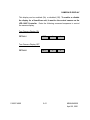
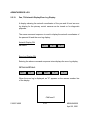
ON COMMAND SEQUENCE
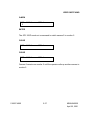
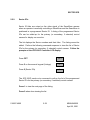
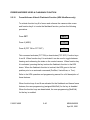
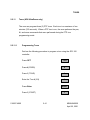
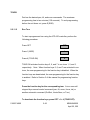
Auxiliary #>AUX>1
518007-4960
#
2-50
AUX
1
KEMU040020
April 25, 2001