1
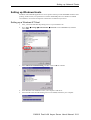
Setting up Device Control
3.
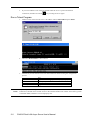
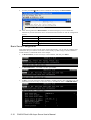
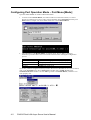
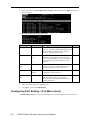
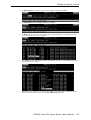
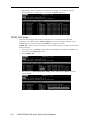
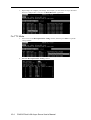
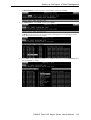
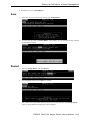
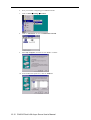
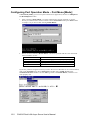
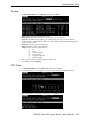
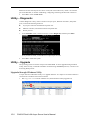
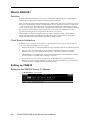
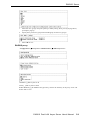
In MAIN MENU, use the arrow keys to select Port, and then press Enter.
4.
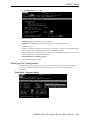
In PORT MENU, select Mode, and then press Enter.
5.
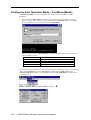
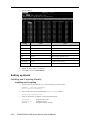
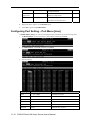
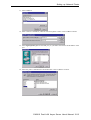
In Mode, use the arrow keys to move the cursor to the application corresponding to serial
ports. Here we use Port 6 as an example.
6.
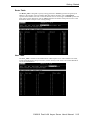
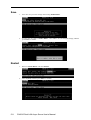
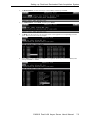
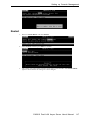
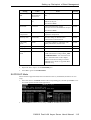
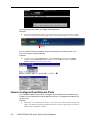
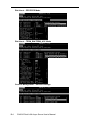
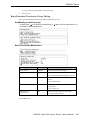
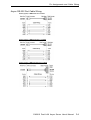
Press Enter to open the application window. Use Up/Down Arrow keys to select NT Real
COM mode. Press Enter to confirm.
CN2610 Dual LAN Async Server User’s Manual
4-3