1
Chapter 2: Installation
2
2 Installation
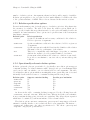
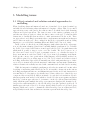
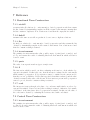
OCML is implemented in Lisp, and currently runs under Lispworks and SBCL.
2.1 Obtaining OCML
You can obtain the development version of OCML using Git1 .
git clone http://kmi-forge.open.ac.uk/git/ocml.git
This should leave you with a directory called ‘ocml’.
2.2 Setup
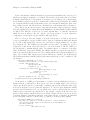
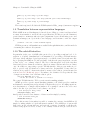
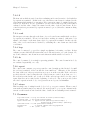
OCML uses the ASDF system definition package. You can find out more about ASDF at
http://www.cliki.net/asdf. If you have ASDF installed, make sure the ‘ocml.asd’ file
is accessible from asdf:*central-registry*, and then load it:
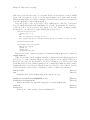
CL-USER > (asdf:operate ’asdf:load-op :ocml)
or, if you’re using a Lisp which integrates ASDF with require, just do:
CL-USER> (require :ocml)
You then need to initialize OCML:
CL-USER> (ocml:initialize-ocml)
2.3 Library locations
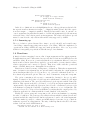
OCML finds its libraries (the ontologies) via logical pathnames. The logical host ocml
holds the translations. Immediately after loading OCML, this will be set to include the
basic OCML library:
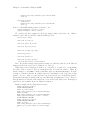
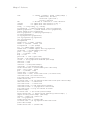
CL-USER> (logical-pathname-translations "ocml")
(("ocml:library;basic;**;*" "/home/djl/dev/ocml/library/basic/"))
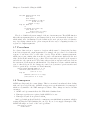
Additional translations can be added, for instance in the IRS, the translations look like
this:
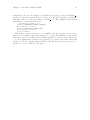
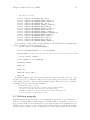
CL-USER> (logical-pathname-translations "ocml")
(("ocml:library;basic;**;*" "/home/djl/dev/ocml/documentation//library/basic/")
("ocml:library;**;*" "/home/djl/dev/irs/live/code/ocml/library/v5-0/**/*"))
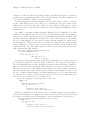
Translations earlier in the list take precedence.
1
http://git.or.cz/