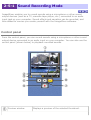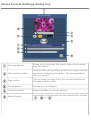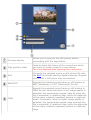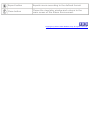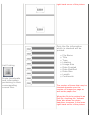
1
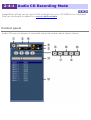
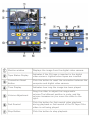
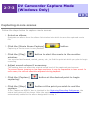
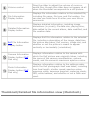
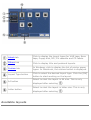
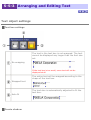
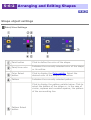
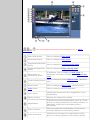
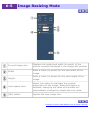
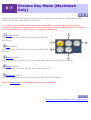
Connection status
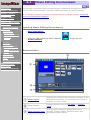
Connect the USB interface of the device (such as a digital video camera) to the
USB port on the computer. Set the device to display images through the USB
connection. Consult the instruction manual that came with your equipment for
details on transferring images from your particular device.
If the connection between the PC and the device is working properly:
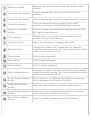
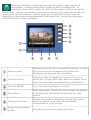
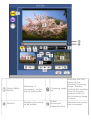
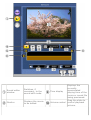
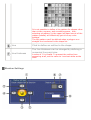
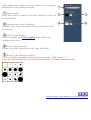
An image from the peripheral will appear in the monitor window. Depending on
your selected task, the message in the information display panel will read 'There is
... of free space in the destination directory,' (for capturing movie scenes) or
'Ready to capture still picture.'
In Macintosh, the free disk space of the destination is displayed minus 100MB. Therefore, when
the free disk space of the destination is less than 100MB, a message will appear in the
information display panel telling you that the free disk space of the destination is 0KB. Capturing
processes are automatically halted when the free disk space of the destination is less than
100MB.
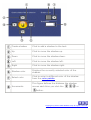
If there is a problem with the connection between the PC and the
device:
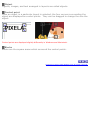
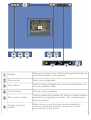
A black monitor window will displayed. When the device is not ready to play or is
not connected to the PC correctly, the message on the information display panel
will read 'Check mode set up on camera and confirm connection with computer.'
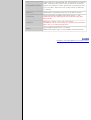
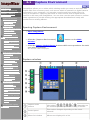
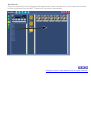
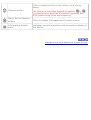
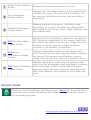
DV Tape Status
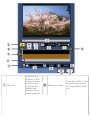
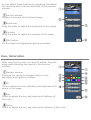
(orange) is displayed when a DV tape is inserted in the digital video camera.
(gray) is displayed when the video camera is empty.
Copyright © 2001-2002, PIXELA Corp. All rights reserved.