1
FINAL DRAFT AV
152 - Importing & Exporting
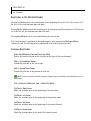
Exporting To Other Word Processors
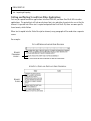
Final Draft AV can save a script in Rich Text Format (RTF) so that it can be read by most other word
processors. For example, if you need to export to RTF when a client does not have Final Draft AV and
must review a script.
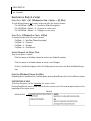
To save a Final Draft AV script in Rich Text Format:
1 Choose File > Save As and the standard Save dialog appears.
2
Navigate to where the file is to be saved.
3
Type in the name for the script in the appropriate field.
4
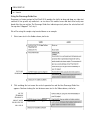
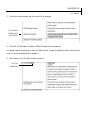
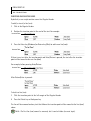
Set the Save as Type (Windows) or Format (Mac) box to Rich Text Format.
5
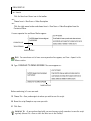
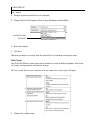
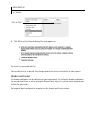
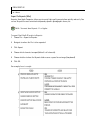
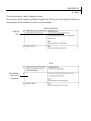
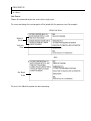
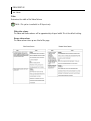
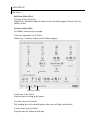
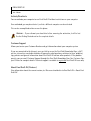
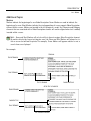
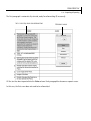
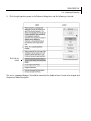
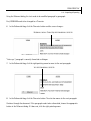
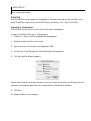
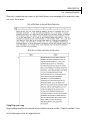
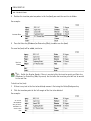
Click Save and the following appears:
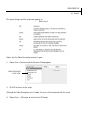
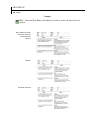
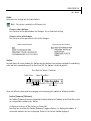
Choose whether to include the Detailed Header and where the Character Name will appear.
6
Click OK.
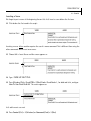
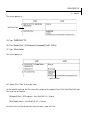
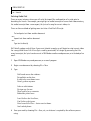
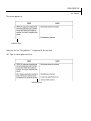
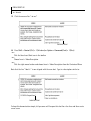
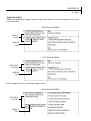
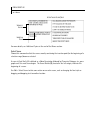
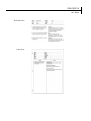
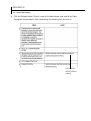
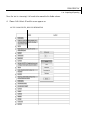
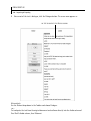
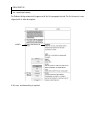
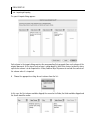
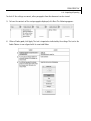
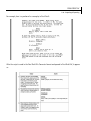
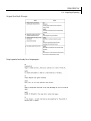
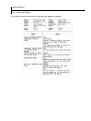
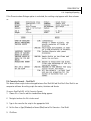
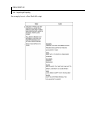
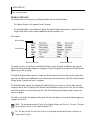
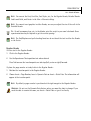
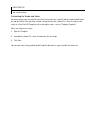
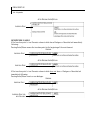
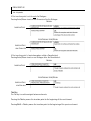
Examples follow on the next page.