1
FINAL DRAFT AV
95 - Menus
View Menu
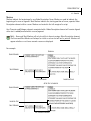
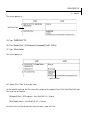
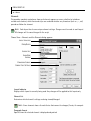
AV Layout
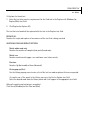
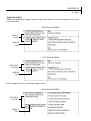
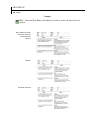
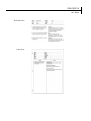
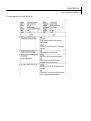
This is the traditional audio-visual format. For details, see the Tutorials section.
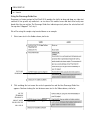
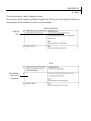
Radio Layout
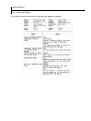
This layout uses only the Character, Parenthetical and Dialogue elements. For details, see the Tutorials
section.
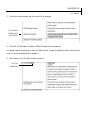
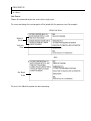
Linear Layout
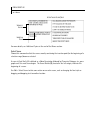
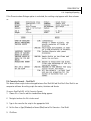
Sometimes called Radio Play format; places all elements across the page horizontally. It is designed to
be an open, versatile format that can be easily edited and adapted for many uses. For details, see the
Tutorials section.
NOTE
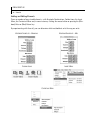
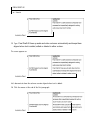
NOTE: Each layout has its own unique element settings. Changes must be made separately to
each layout. All changes will be saved along with the script; see next topic.
NOTE
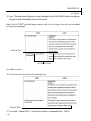
NOTE: By choosing different layouts, the script’s text will be converted to the corresponding format.
NOTE
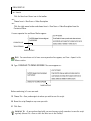
NOTE: Whenever you save a document (including as Templates), the current layout will be
retained, i.e. when the script is reopened it will appear in the current layout.
NOTE
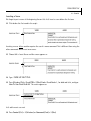
NOTE: Initially, the three layouts are included as Final Draft Templates files. They are located in
the Final Draft AV 2.5 folder > Templates folder.