1
Converting Files Between Formats
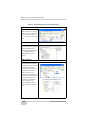
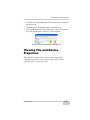
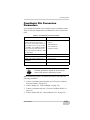
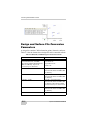
To create this file, do the following steps:
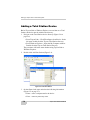
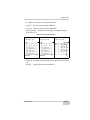
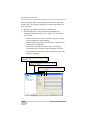
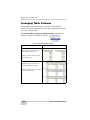
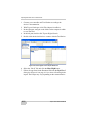
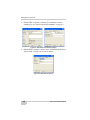
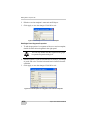
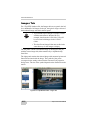
1. Click File->Convert Files and click Add Files in the
window. The Import window displays
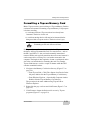
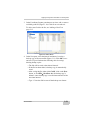
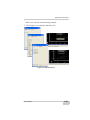
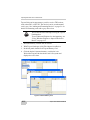
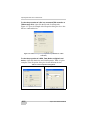
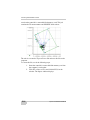
2. Navigate to the desired file, highlight it and select the
corresponding file format in the Format name field:
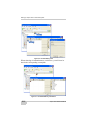
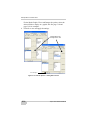
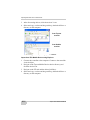
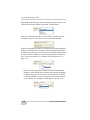
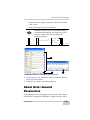
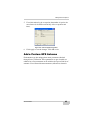
3. The converted file appears in the list of the converted
files:
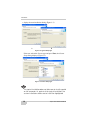
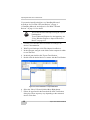
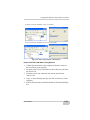
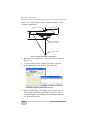
4. Check the Advanced conversion option checkbox:
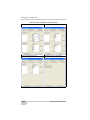
5. Select the RINEX file format for the created file in the
Destination format field:
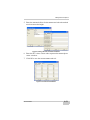
6. Type in a name of a new folder in the Destination folder
name field:
5-22
Topcon Link Refenence Manual