1
Edit Image Properties
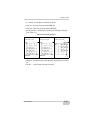
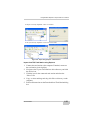
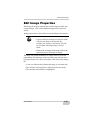
4. Click Ok to exit.
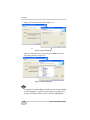
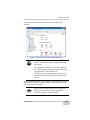
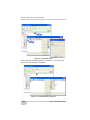
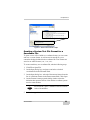
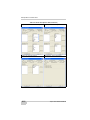
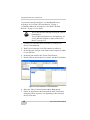
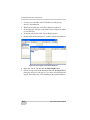
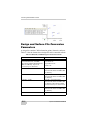
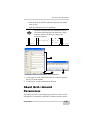
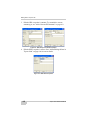
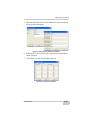
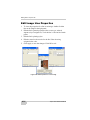
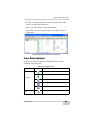
Figure 6-46. View Properties for the Image
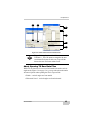
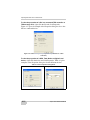
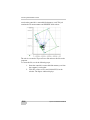
Edit Image Point Properties
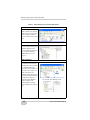
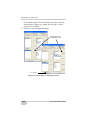
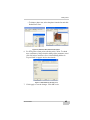
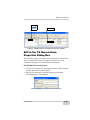
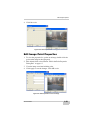
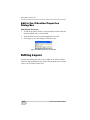
1. To view the properties for a point on an image, double-click the
point on the image in the right panel.
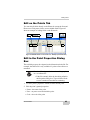
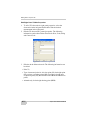
2. Edit desired fields as described in “Edit in the Point Properties
Dialog Box” on page 6-3.
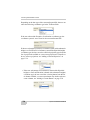
3. View the image associated with the point.
4. Click Apply to save the changes. Click OK to exit.
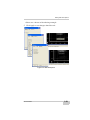
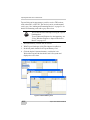
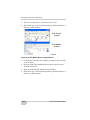
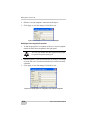
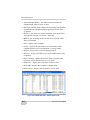
Figure 6-47. Edit Properties for Point on Image
P/N 7010-0522
6-33