1
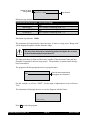
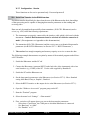
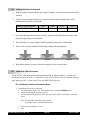
After selecting an output device ensure that before the start of every measurement:
a) PRINTER: the printer is connected to the Rheometer and is ready for operation. If
the printer is not ready, you cannnot start the measurement.
b) SERIAL INTERFACE (RS232): the receiving device (normally a PC) is set to the
data transfer parameters of the Rheometer (see Section VI.7.5 “RS232 Parameters”)
and ready to receive data. If the receiving side is not ready, the data will not be transmitted or will be transmitted to Null (see Section VI.8 “Serial data transfer”).
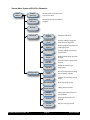
VI.7.2 Configuration →MeasCount Mode
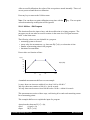
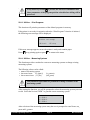
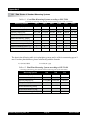
The measurement series counter MEASCOUNT increases by 1 before each measurement
is started. The measurement series counter serves to identify a measurement series. The
counter increments until it is reset manually (“MeasCount=0”) or automatically. The
user defines whether the measuring counter is reset daily or not.
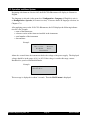
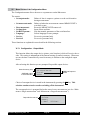
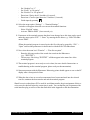
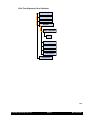
Resetting only via menu
level “Meascount=0”
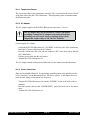
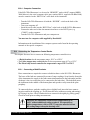
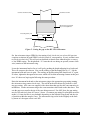
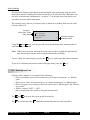
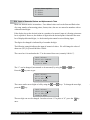
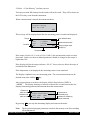
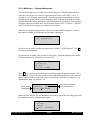
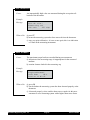
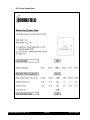
Select meascount mode:
-No resetting
-Reset every day
Automatic resetting
at first measurement
of the day
After choosing one of two reset modes the user will be returned to the Configuration
Menu.
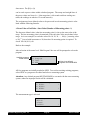
VI.7.3 Configuration →MeasCount=0
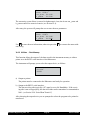
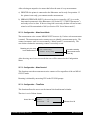
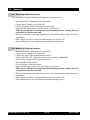
This function resets the measurement series counter to Zero regardless of the set MEASCOUNT mode.
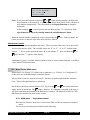
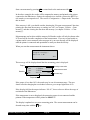
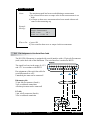
Resetting is initiated by answering YES to the YES/NO prompt.
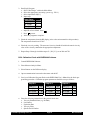
VI.7.4 Configuration →Time/Date
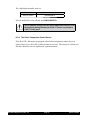
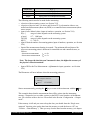
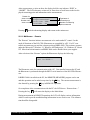
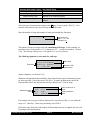
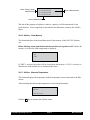
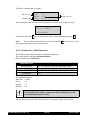
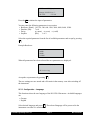
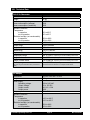
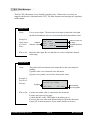
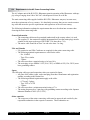
This function allows the user to set the internal clock and internal calendar.
The time is set in 24 hour format.
Hours 00 to 23
Brookfield Engineering Labs., Inc.
Input time
Hour:
17
Minutes:
15
Page 39
Minutes 00 to 59
M01-213-A0706