1
7 Worked example 2: Data input via editor
7.1
Step 1: Select analysis options (Ex. 2)
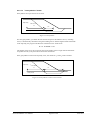
Experience has shown that data input via editor is generally only used to correct geometry entered
using the mouse. Nonetheless, this input method shall be demonstrated on a somewhat more complicated example. To improve understanding, you should follow the explanation in parallel on
your computer.
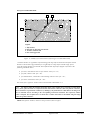
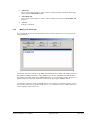
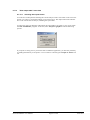
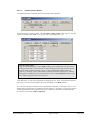
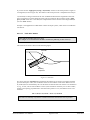
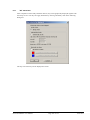
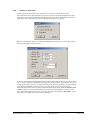
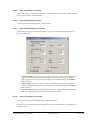
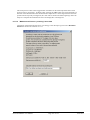
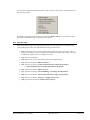
After starting the program the logo is at first displayed. Select the menu item "File/New" and leave
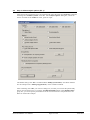
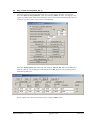
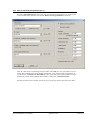
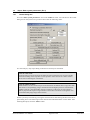
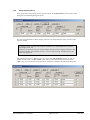
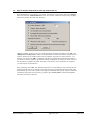
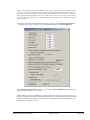
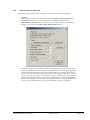
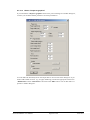
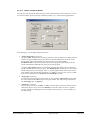
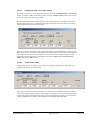
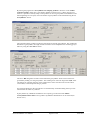
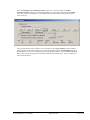
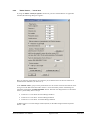
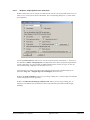
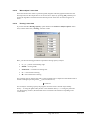
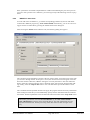
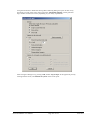
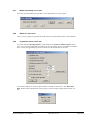
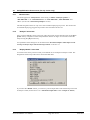
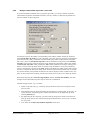
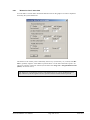
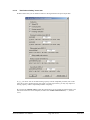
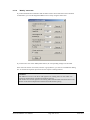
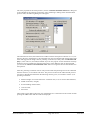
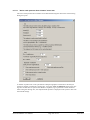
the dialog box "Common systems" with "No". The "Analysis options" dialog box, which can
also be accessed via the "Editor 1" menu, opens for input. The default setting is the "EC 7" standard and the "Bishop (circles/slices)" calculation method.
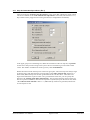
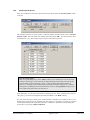
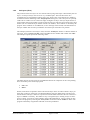
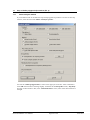
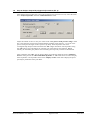
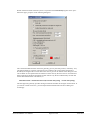
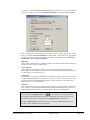
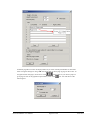
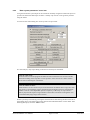
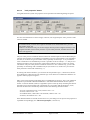
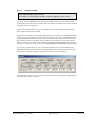
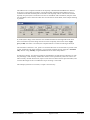
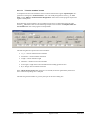
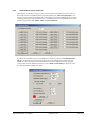
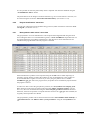
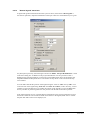
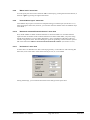
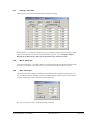
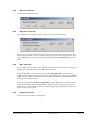
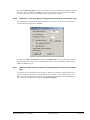
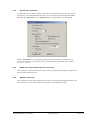
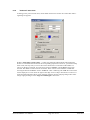
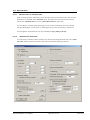
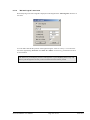
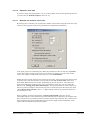
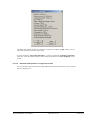
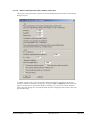
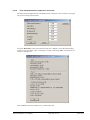
After confirming with "OK" you will see a dialog box, in which you can enter the partial safety
factors. Using the "To DIN 1054:210" button in the "Default values" group box, you can accept
the partial factors given in the EC 7 for the various load cases. The partial factors for load case
DS-P are used in this example.
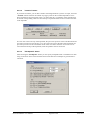
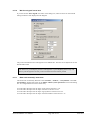
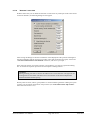
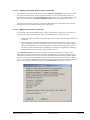
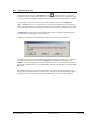
If you have already worked with the program check and, where necessary, activate the mentioned
switches in the "Editor 1/Analysis options" menu item.
GGU-STABILITY User Manual
Page 27 of 172
June 2015