1
Equimeter Auto-Adjust Program User Manual
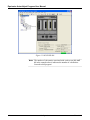
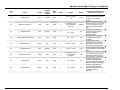
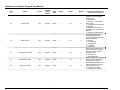
Field
Description
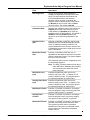
% Error
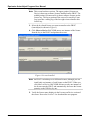
Sets the % Error value for up to 10 pairs of AAT
Volume–% Err numbers on the calibration curve.
The program uses this value (along with the value
in the AAT Volume field) to linearly interpolate the
Adjusted Volume Rate.
Adjusted Uncorr
Volume Factor
(AUVF)
This read-only field displays the Adjusted
Uncorrected Volume Factor (AUVF), which the
program calculates as equal to [1 / (% Err/100) +
1].
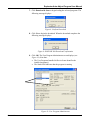
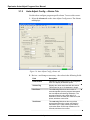
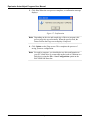
2. Click Apply to save your changes.
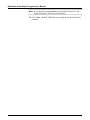
3. Click Close to return to the ROCLINK 800 screen. Proceed to Section
3.1.2 to configure alarming options.
Rev. Jul-09
Configuration
17