1
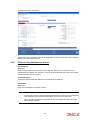
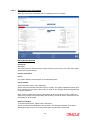
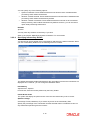
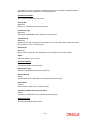
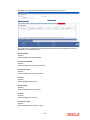
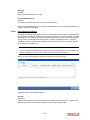
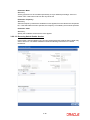
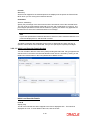
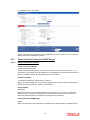
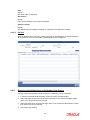
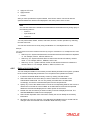
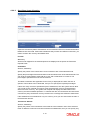
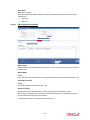
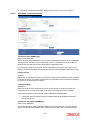
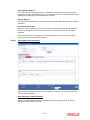
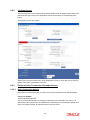
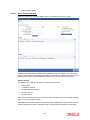
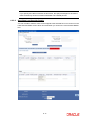
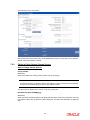
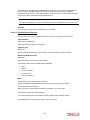
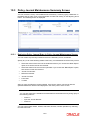
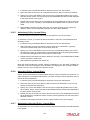
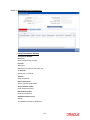
6.2.3.2 Load Override Details Policy Financial Wizard When you click ‘Policy Financial Wizard’ button, the following screen in invoked: The Policy Financial Wizard enables a Policy Holder to know, at a glance, the value of his policy, and the details of his holdings in the funds. The product Id, product base currency and the policy base currency also are displayed based on the Policy Holder ID specified. Options Section The details of the holdings that can be viewed are given below: Market Ratio Contribution Amount Compounded Contribution Portfolio Amount All of the above Select one of the options (the option ‘All of the above’ allows you to view all details together) and click ‘View Information’ button. The position of the Policy Holder’s investment and the holding value in product base currency are thus available at a glance, and will aid him, when transaction amounts are specified. 6-4