1
Exchange Fee System (EFS)
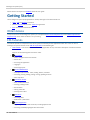
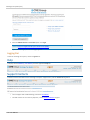
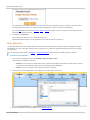
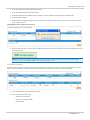
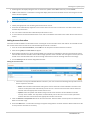
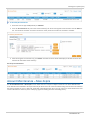
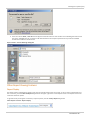
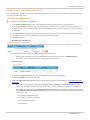
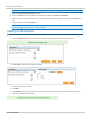
2. Enter the SMART Click ID and Password, then click Login.
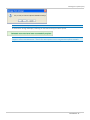
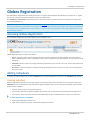
NOTE: If you do not have a SMART Click ID, refer to the registration instructions. For issues accessing SMART Click
contact: Enterprise Application & System Entitlements (EASE).
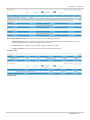
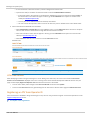
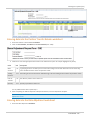
Upon successful login, the EFS Homepage appears.
Logging Out
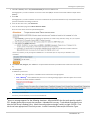
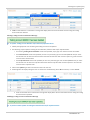
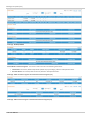
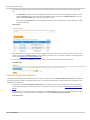
To Exit the Exchange Fee System, click the Log Out link.
Help
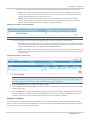
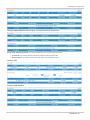
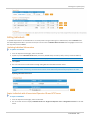
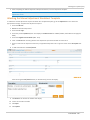
To display the EFS Webhelp / User Manual, click the application Help link.
Support Contacts
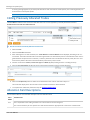
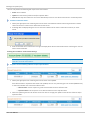
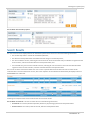
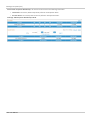
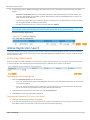
To obtain contact information for the Exchange Fee System support team, click the Contact Us hyperlink.
l
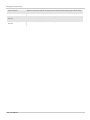
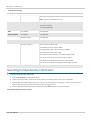
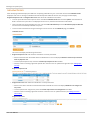
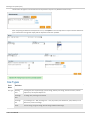
For EFS support and troubleshooting, contact the Fee Hotline.
l
For CME Connect or User Security Inquiries, contact General Customer support.
- 10 - User Manual