1
Firm Administrator Dashboard
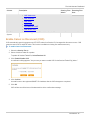
Outbound Contacts Tab
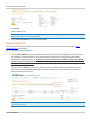
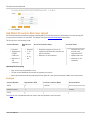
The Outbound GCC Contact functionality is used to view contact information, which is used to contact clearing and
executing firm users regarding error trades or technical issues, including:
l
Improper numbering sequence
l
Runaway Automated Trading System (ATS)
Outbound contact onboarding and maintenance is handled by CME Group Global Account Management.
The Firm contacts functionality is used to view executing firm user profiles.
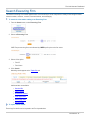
To view Outbound GCC Contacts:
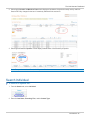
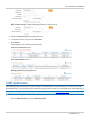
1. From the Search menu, select Executing Firm.
The Search Executing Firm screen appears.
2. From the Executing Firm drop-down menu, select a Firm, then click Search.
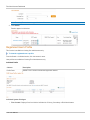
3. Click the Outbound Contacts tab.
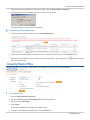
Outbound Contact details appear in a list.
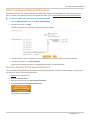
CME Application Tab
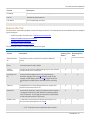
This CME Application functionality is used to search for a list of users entitlements by system.
Note: This functionality is also accessible from the Administration > CME Application.
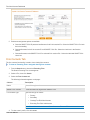
To view other applications and entitlements:
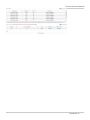
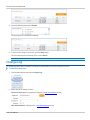
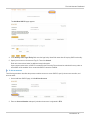
1. Click the CME Application tab.
2. Select an Application.
3. Click Search.
- 22 - User Manual