1
Logout
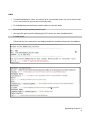
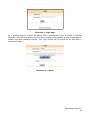
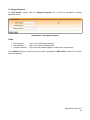
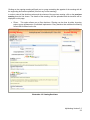
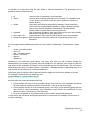
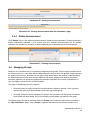
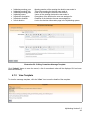
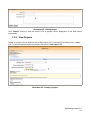
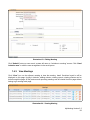
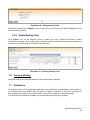
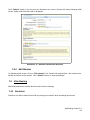
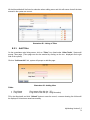
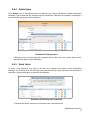
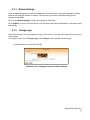
On any page of MyMeeting you can find “Logout” link at the top right side of the screen. Click on
“Logout” link, system will end the current session and navigate to login page.
Illustration 6 : Logout page
4.3
My Committees
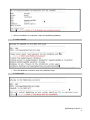
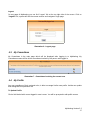
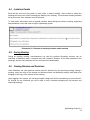
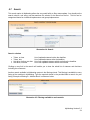
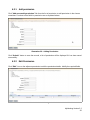
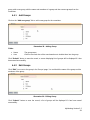
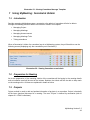
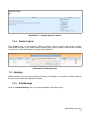
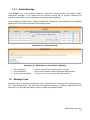
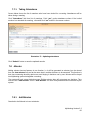
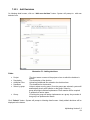
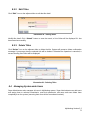
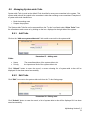
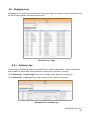
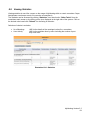
My Committees is the main page which will be displayed after logging in to MyMeeting. My
Committees screen will list all the committees involved by the person who logged in.
Illustration 7 : Committees involving the current user
4.4
My Profile
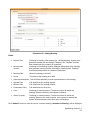
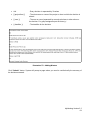
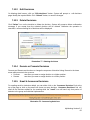
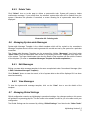
Any user regardless of their assigned roles, is able to manage his/her own profile. He/she can update
and change account password too.
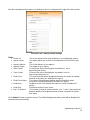
To Update Profile
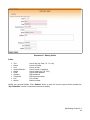
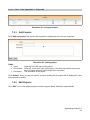
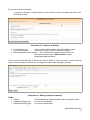
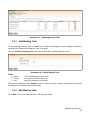
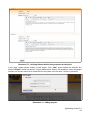
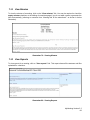
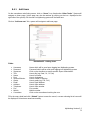
Click a link labeled with current logged-in user's name. You will be prompted to edit profile screen.
MyMeeting Version 2.2
17