1
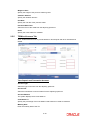
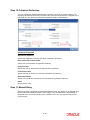
Credit Remarks
Specify the remarks by credit team.
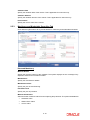
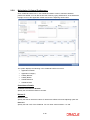
Step 4.Valuation
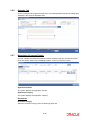
Go to your ‘Assigned’ task list and acquire the task by clicking the corresponding the ‘Acquire’
button. The task will then be moved to the ‘Acquired’ task list.
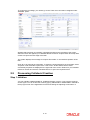
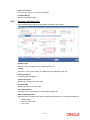
The collateral is evaluated either internally or by an external valuation agency. The valuation
details are captured during the Valuation stage (ORDCOVAL)..
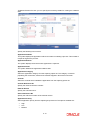
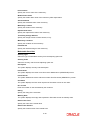
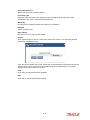
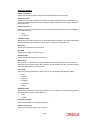
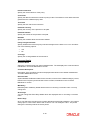
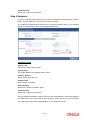
Valuation Details
Agency Code
Specify the valuation agency code.
Agency Name
The system displays the valuation agency name.
Valuation Amount
Specify the valuation amount.
Valuation Date
Enter the date of valuation.
Valuer Remarks
Specify the remarks by valuation agent.
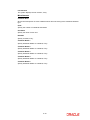
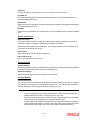
Credit Remarks
Specify the remarks by credit team.
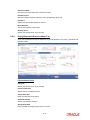
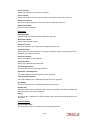
Once the valuation details are captured, select the action ‘PROCEED’ in the text box adjoining
the ‘Audit’ button in this screen and save the record by clicking the save icon in the tool bar.
The system will create a task ‘Risk Evaluation’ in the ‘Assigned’ task list.
2-34