1
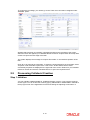
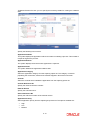
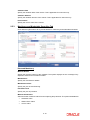
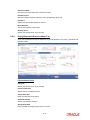
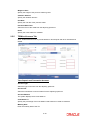
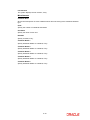
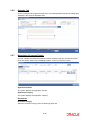
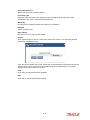
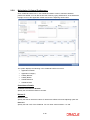
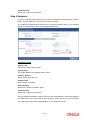
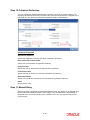
2.5.8 Maintaining Collateral Preferences Click ‘Collateral Preferences’ in the Collateral Creation screen to maintain collateral preferences details. You can also invoke this screen by typing ‘ORCCOLPF’ in the field at the top right corner of the application toolbar and click the adjoining arrow button The system displays the following in the Collateral Preference screen: Application Number Application Category Liability Number Liability Branch Collateral Branch Collateral Code Commitment Details Commitment Reference Number Specify the commitment reference number. Haircut % Effective Date Specify the date on which the Haircut % will become effective from the adjoining option list. Haircut % Specify the Hair cut% of the Collateral. You can enter values between 1 to 100. 2-28