1
Planning a Workgroup
Planning your Printer Configuration
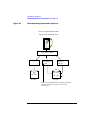
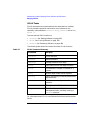
Printer Types
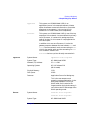
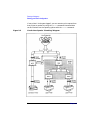
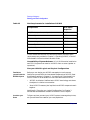
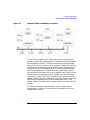
A local printer is physically connected to your system. To configure a
local printer, see “Adding a Local Printer to the LP Spooler” on page 245.
A remote printer may be physically connected or simply configured to a
computer and accessed over a network via rlp (1M). To access the remote
printer, your system sends requests through the local area network
(LAN) to the other system. To configure a remote printer into your local
LP spooler, you must be able to access the remote system via the LAN. To
configure a remote printer, see “Adding a Remote Printer to the LP
Spooler” on page 246.
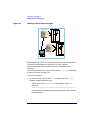
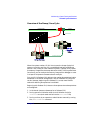
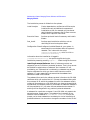
A network-based printer differs from a remote printer in that it is
connected directly to the LAN; it is not physically connected to a specific
system. Network printers do not use device special files, but have their
own IP address and LANIC identification. See “Adding a Network-Based
Printer” on page 250.
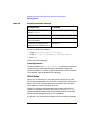
Printer Name
When you configure a printer into the LP spooler, you assign it a printer
name, to which you direct print requests. A printer name may have up
to 14 alphanumeric characters and may include underscores. The
following are sample valid printer names: laser1, letterhead,
invoices, check_printer. The printer names you assign are listed in
the directory /usr/spool/lp/interface. Each file in that directory is a
copy of the model file (printer interface script) that enables you to print
to the named printer.
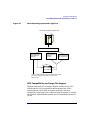
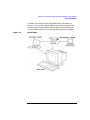
Printer Class
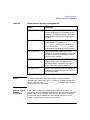
You can make efficient use of multiple printers by grouping them as
though logically they were a single printer. To do so, you create a printer
class. A printer class is a collective name for a group of printers. The
printer class is retained in the directory /usr/spool/lp/class. For
example, our sample printers named laser1 and letterhead might be
assigned a printer class called VIP, while printers named invoices and
check_printer might be assigned a printer class called Accounts. A
printer can belong to more than one class, however remote printers
cannot belong to a printer class.
88
Chapter 2