1
WebSAMS
User Manual
Version 1.4
Archive Outgoing Message
Function Description
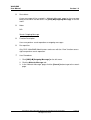
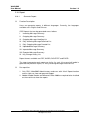
Users can archive an outgoing message if its message status is ‘Encrypt Fail’,
‘Sent’, ‘Send Fail’, ‘Rejected’ or ‘Received’.
Pre-requisites
Only CDS / WebSAMS Administrators and users with the appropriate function
access right can archive a particular message.
User Procedures
Single Archive
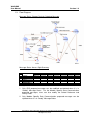
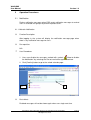
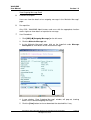
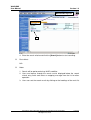
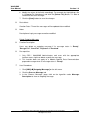
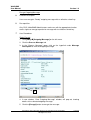
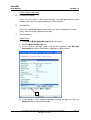
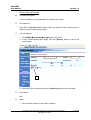
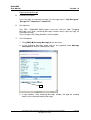
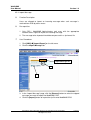
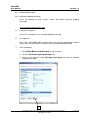
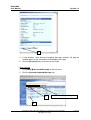
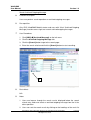
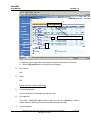
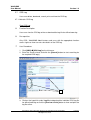
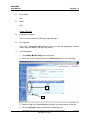
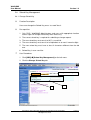
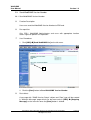
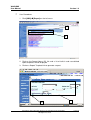
1. Click [CDS] [Outgoing Message] on the left menu.
2. Click the Maintain Message tab.
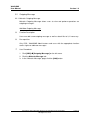
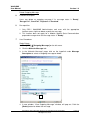
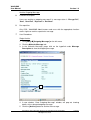
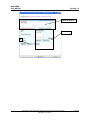
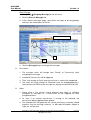
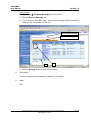
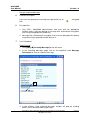
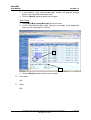
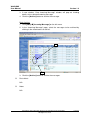
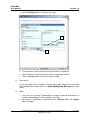
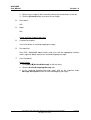
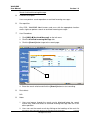
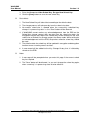
3. In the “Maintain Message” page, click on the hyperlink under Message
Description to view the outgoing message.
5
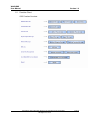
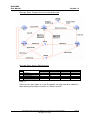
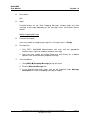
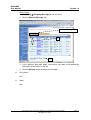
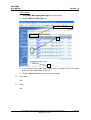
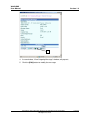
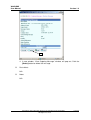
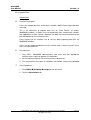
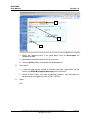
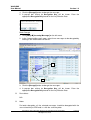
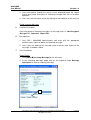
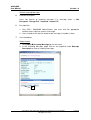
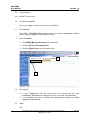
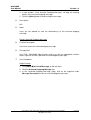
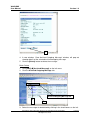
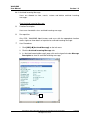
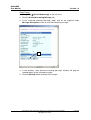
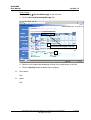
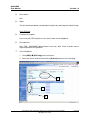
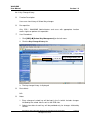
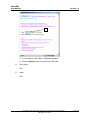
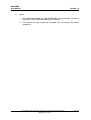
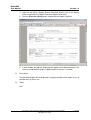
4. A new window, “View Outgoing Message” window, will pop out showing
details of the selected outgoing message.
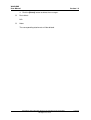
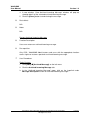
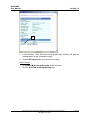
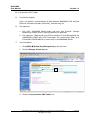
5. Click the [Archive] button to archive the message.
Copyright © 2007. Education Bureau. The Government of the HKSAR.
All Rights Reserved.
Page 21