1
WebSAMS
User Manual
Version 1.4
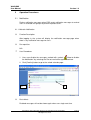
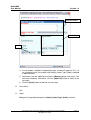
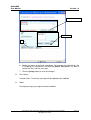
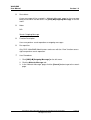
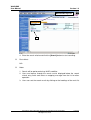
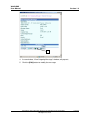
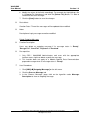
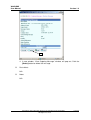
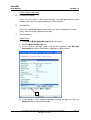
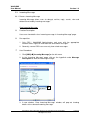
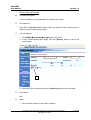
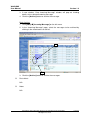
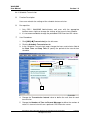
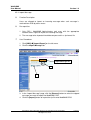
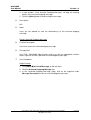
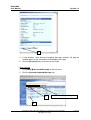
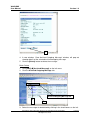
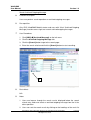
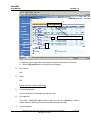
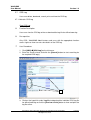
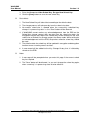
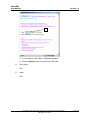
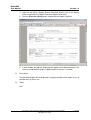
4. A new window, “View Outgoing Message” window, will pop out showing
details of the selected outgoing message.
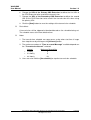
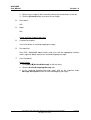
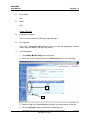
5. By clicking the [View] button of an attachment, it is able to view / save the
attachment.
Post-effects
N/A
Notes
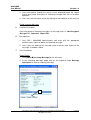
Function buttons on the “View Outgoing Message” window might vary from
message to message depending on the message status and the function access
right.
Modify Outgoing Message
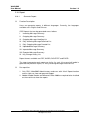
Function Description
Users can modify an outgoing message if its message status is ‘Ready’.
Pre-requisites
1. Only CDS / WebSAMS Administrators and users with the appropriate
function access right can modify a particular message.
2. Users can only modify the School Reference and Priority for a Module
Specific Data Communication prepared message.
User Procedures
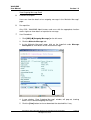
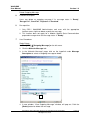
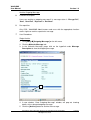
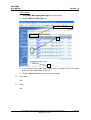
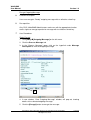
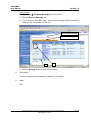
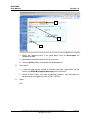
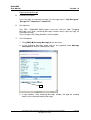
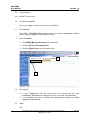
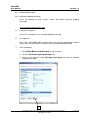
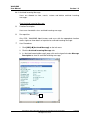
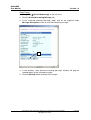
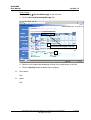
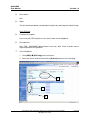
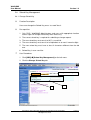
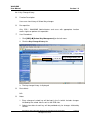
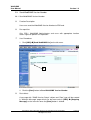
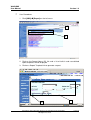
1. Click [CDS] [Outgoing Message] on the left menu.
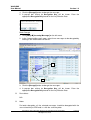
2. Click the Process Message tab.
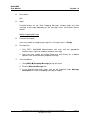
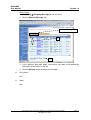
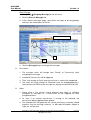
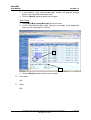
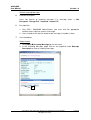
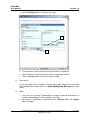
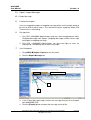
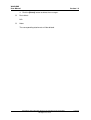
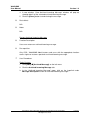
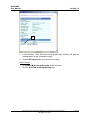
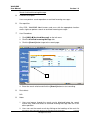
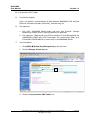
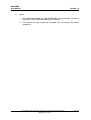
3. In the “Process Message” page, click on the hyperlink under Message
Description to view an outgoing message.
Copyright © 2007. Education Bureau. The Government of the HKSAR.
All Rights Reserved.
Page 24