1
WebSAMS
User Manual
Version 1.4
Search Incoming Message
Function Description
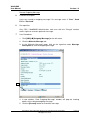
Users can perform search operation on incoming messages.
Pre-requisites
Only CDS / WebSAMS Administrators and users with the “View” function access
right can search incoming messages.
User Procedures
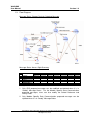
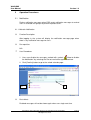
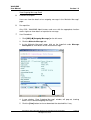
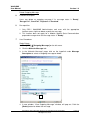
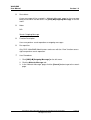
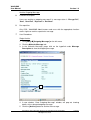
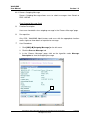
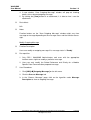
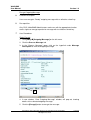
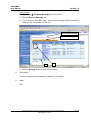
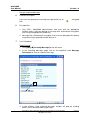
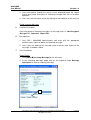
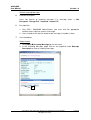
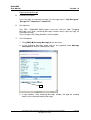
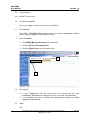
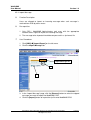
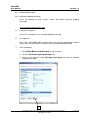
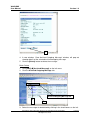
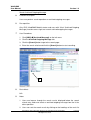
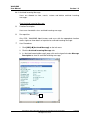
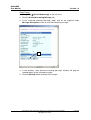
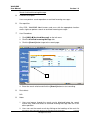
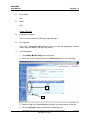
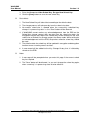
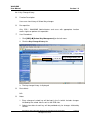
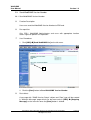
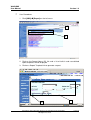
1. Click [CDS] [Incoming Message] on the left menu.
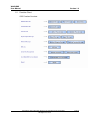
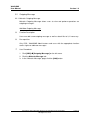
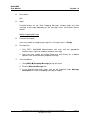
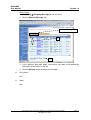
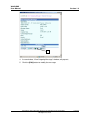
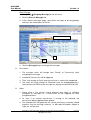
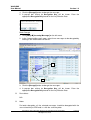
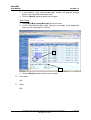
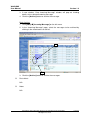
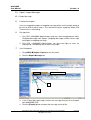
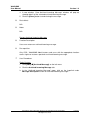
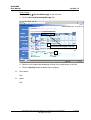
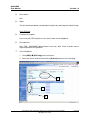
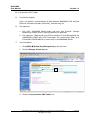
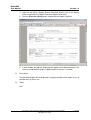
2. In the “Incoming Message” page, click the [Search] button to go to the
search page.
3
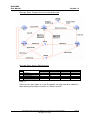
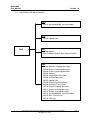
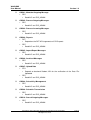
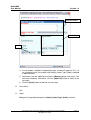
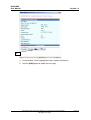
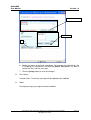
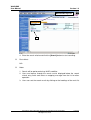
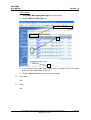
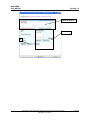
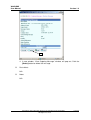
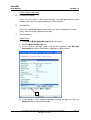
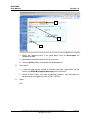
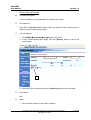
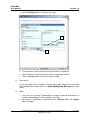
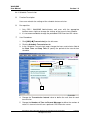
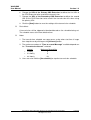
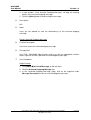
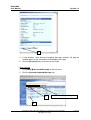
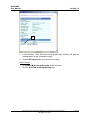
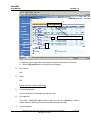
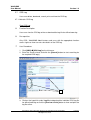
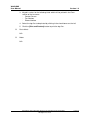
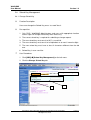
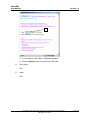
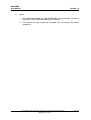
3. Enter the search criteria and click the [Search] button to start searching.
Post-effects
N/A
Notes
1. Search will be perform using “AND” condition.
Copyright © 2007. Education Bureau. The Government of the HKSAR.
All Rights Reserved.
Page 39