1
WebSAMS
User Manual
Version 1.4
2.5.2 Import Message
Function Description
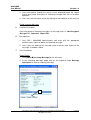
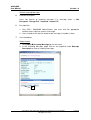
Users are allowed to import an incoming message when such message is
received from EDB by other means.
Pre-requisites
1. Only CDS / WebSAMS Administrators and users with the appropriate
function access right can import an incoming message.
2. The message to be imported should be compressed in a .zip format file.
User Procedures
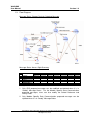
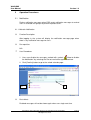
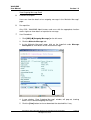
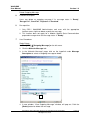
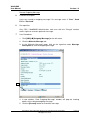
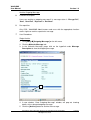
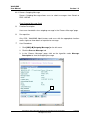
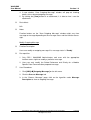
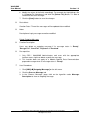
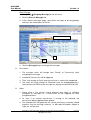
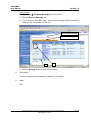
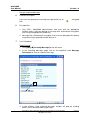
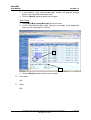
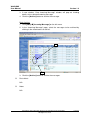
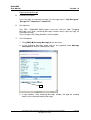
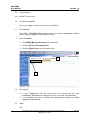
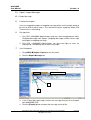
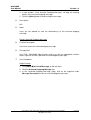
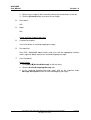
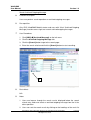
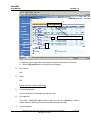
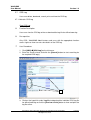
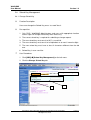
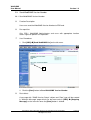
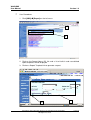
1. Click [CDS] [Import/Export] on the left menu.
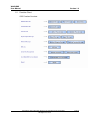
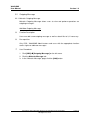
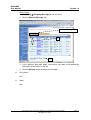
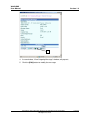
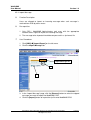
2. Click the Import Message tab.
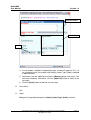
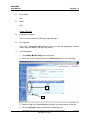
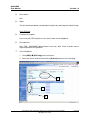
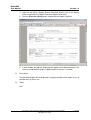
Import Message tab
3
4
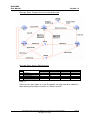
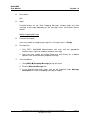
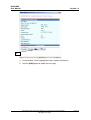
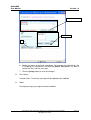
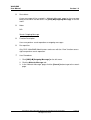
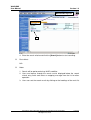
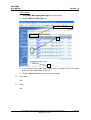
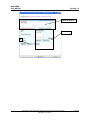
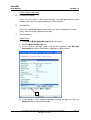
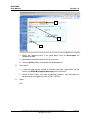
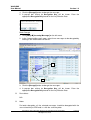
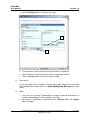
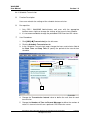
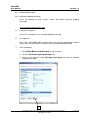
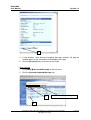
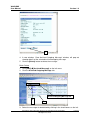
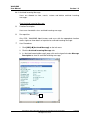
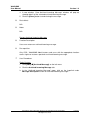
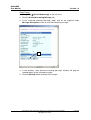
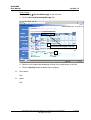
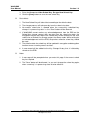
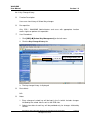
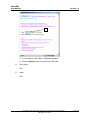
3. In the “Import Message” page, click the [Browse] button to select the zipped
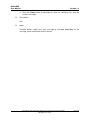
message you want to import into WebSAMS CDS.
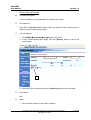
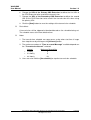
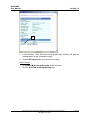
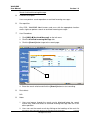
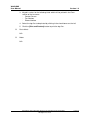
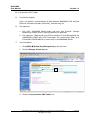
4. Click the [Import] button to import the zip file onto WebSAMS CDS.
Copyright © 2007. Education Bureau. The Government of the HKSAR.
All Rights Reserved.
Page 51