1
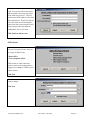
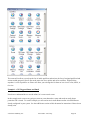
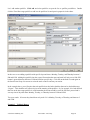
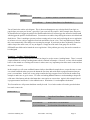
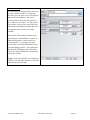
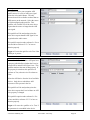
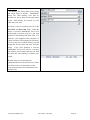
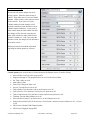
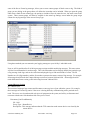
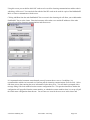
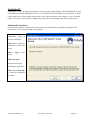
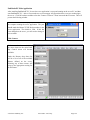
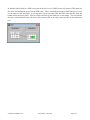
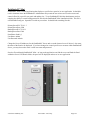
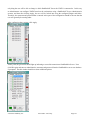
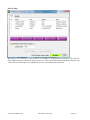
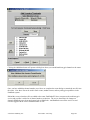
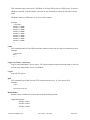
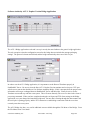
In this example we will use a stack event and a custom user panel to create a talkback button. To run this
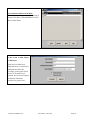
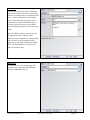
example you must first create a custom user panel. See the section of this document on the Panel Designer to
create the panel. The panel must have a name for the panel and a unique name for each control on the panel, as
this is what will be used in the stack event. So for this demo create a panel called DemoPanel with a button
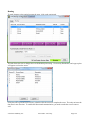
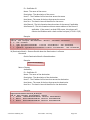
called DemoButton. Also for this example Destination 1 on Router 1 will be the headphone destination we are
switching, and Source 1 will be the program material and Source 2 will be the Talkback microphone. Now as
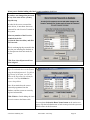
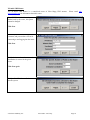
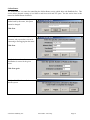
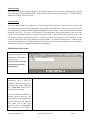
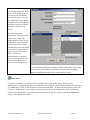
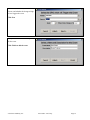
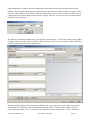
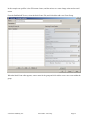
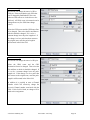
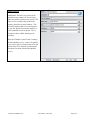
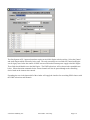
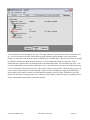
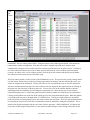
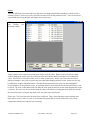
described in the previous section add a Stack Event group and give it a name, or edit your existing group and add
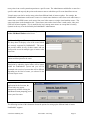
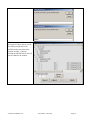
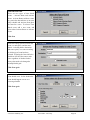
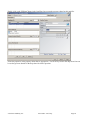
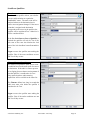
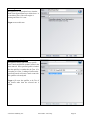
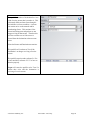
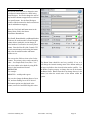
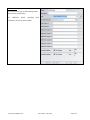
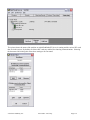
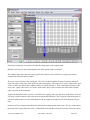
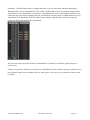
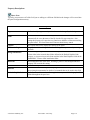
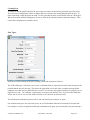
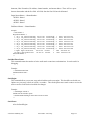
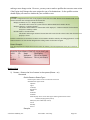
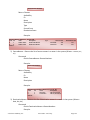
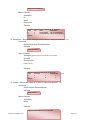
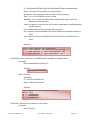
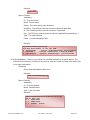
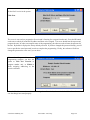
this as an additional stack event within that group. Then add a UserButton Press qualifier.
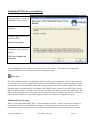
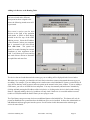
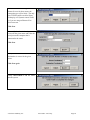
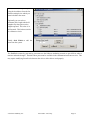
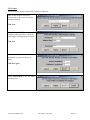
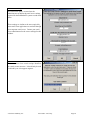
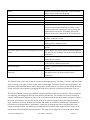
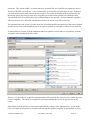
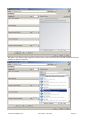
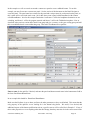
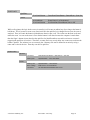
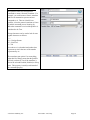
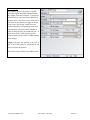
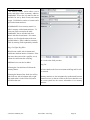
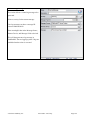
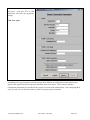
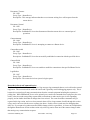
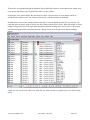
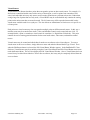
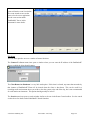
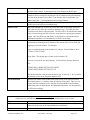
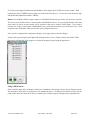
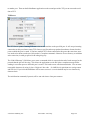
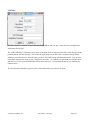
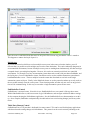
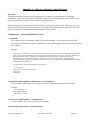
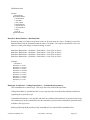
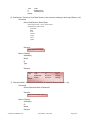
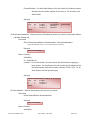
Enter a name for the qualifier if desired, and enter the panel and button control name in the button name field in
the form: PanelName.ButtonName
In our example this should be: DemoPanel.DemoButton
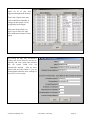
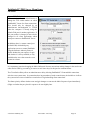
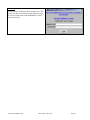
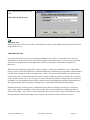
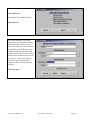
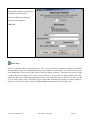
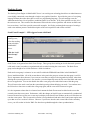
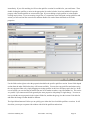
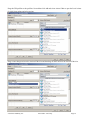
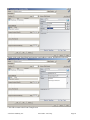
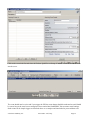
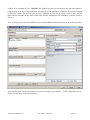
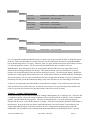
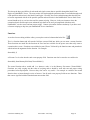
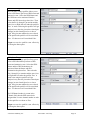
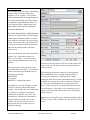
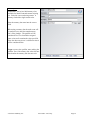
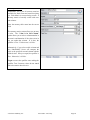
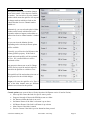
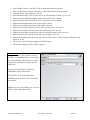
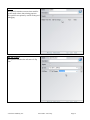
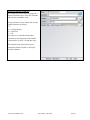
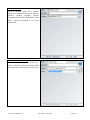
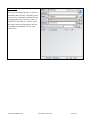
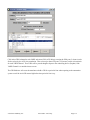
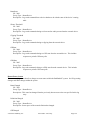
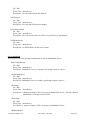
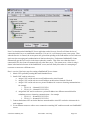
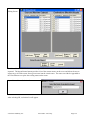
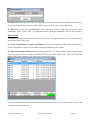
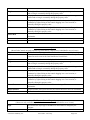
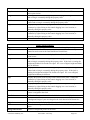
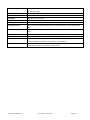
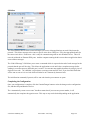
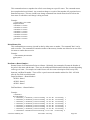
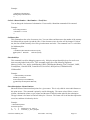
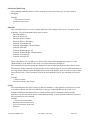
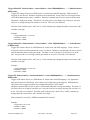
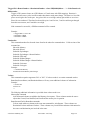
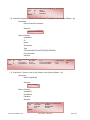
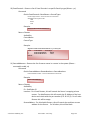
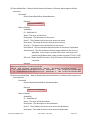
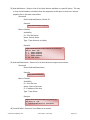
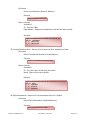
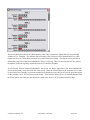
Make sure the KeyState is set to down, and leave the other parameters as they are defaulted. This means that the
only property in the qualifier we are looking for is the button being down. We could, if we desired, add
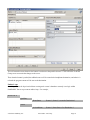
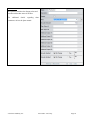
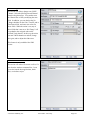
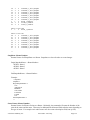
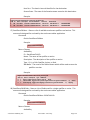
additional aspects of the button qualification such as a specific state as will be called for in Example 3. If any of
these other properties are set to anything other than No Change, then they must also be in the correct state for the
© Software Authority, Inc.
Axia Audio / TLS Corp.
Page 70