1
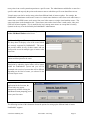
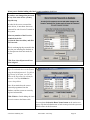
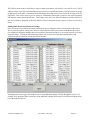
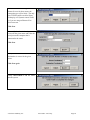
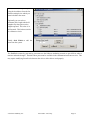
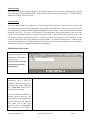
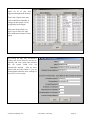
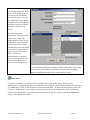
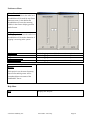
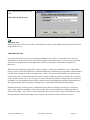
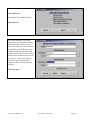
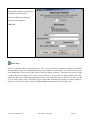
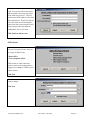
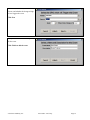
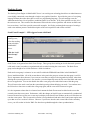
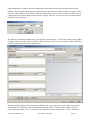
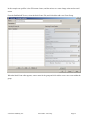
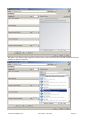
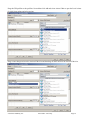
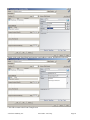
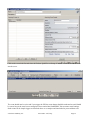
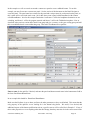
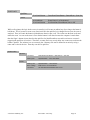
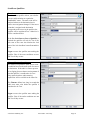
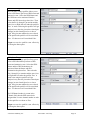
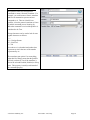
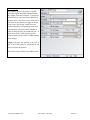
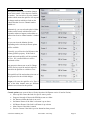
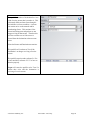
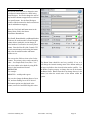
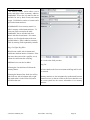
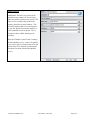
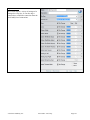
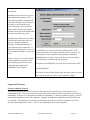
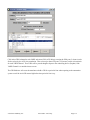
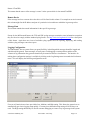
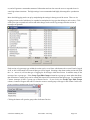
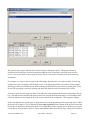
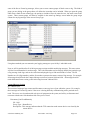
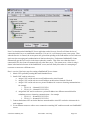
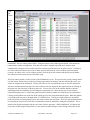
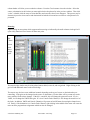
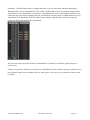
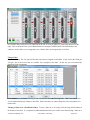
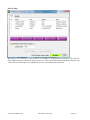
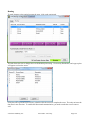
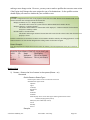
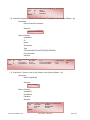
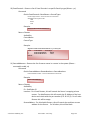
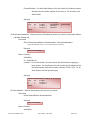
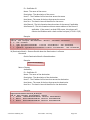
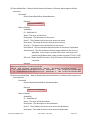
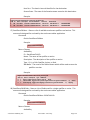
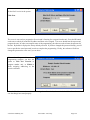
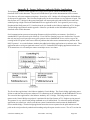
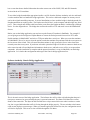
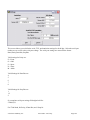
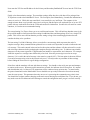
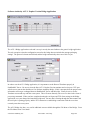
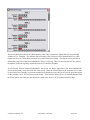
The module number you are looking for is the number after MOD_USER#. In this case it would be 3. The
button numbers start from 1 at the bottom of the button panel strip and count up to the top of the strip. So enter
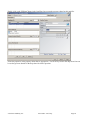
the module number and the button number that should be mapped to the software button. Then save the panel.
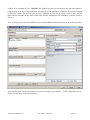
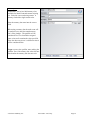
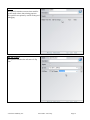
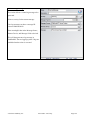
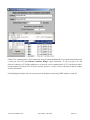
When you save the panel it will also create a HardwareMap file in the PFSPanels folder. This file at the time of
this writing is only read when the server starts, so to get your hardware maps to work restart the PathfinderPC
Server application. Now if you have entered the Host IP and additional settings correctly, those hardware
controls should do exactly the same thing as the software buttons. This is true whether or not the Client
application has the panel open or is even running. As long as the server is running those hardware controls will
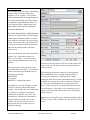
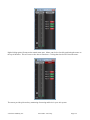
function. In the case of the GPIO control, whenever the route is active the GPO will be low causing the GPIO
button to be lit. Also pushing the button and closing the GPI will cause the route to be activated. The same is
true for the user panel buttons, except that in that case the button’s captions and colors will also match the
software panel color and caption selections. However, if you are using certain custom colors, it may take some
tweaking to make the software panel color and hardware panel button color look the way you want them to.
Because of the button backlighting, the same RGB color settings do not always look exactly the same between
the hardware and software button.
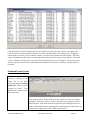
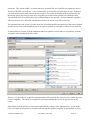
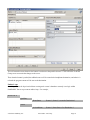
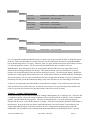
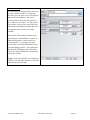
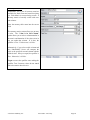
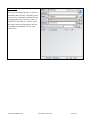
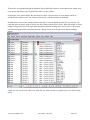
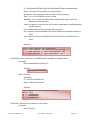
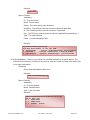
Again remember that we could also leave all of the hardware map and MapRouter, Source, Destination fields
blank and instead use stack events to define the button behavior. In that case create a stack event group and stack
event (or series of stack events). Fill in the UserPanelButton qualifier entering the PanelName.ButtonName for
the button name and the properties of the button that will trigger the event such as MouseDown (equivalent to
pressing the button). Then in the Action section we could create a route action, and a user panel action that
would change the route and change the color and caption of the button on the fly. Or we could do both. We
could define mapped routes, but also use stack events on the same buttons to change its captions or flashing state.
In this manner the user panels can be designed to accomplish an infinite array of custom tasks in a button package
that is simple for the end user to use and understand. See the Stack Event section of this document for more
details on using Panel Controls with Stack Events.
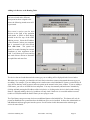
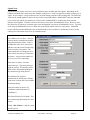
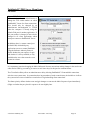
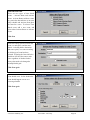
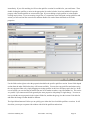
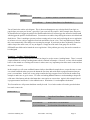
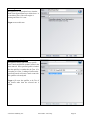
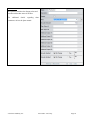
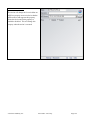
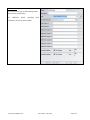
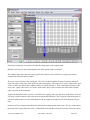
You will also notice that some of the properties are picture properties. PathfinderPC Server will not serve out
pictures, but the client applications will look in specific places for the graphic files. First in the Panel Designer,
if you click on the main panel you will find a property called Default Graphics Path. In this field you can select a
network share to which all of the client applications have access. Then if the graphics files are placed in this
share they can be found by all instances running the program. The second possibility is that the files can be
installed in a folder called PanelGraphics within the PathfinderPC Client or Mini installation folder that will use
them. When the panel is opened graphics files will be searched for in each of these two locations. By using
custom background and button pictures we have already seen some incredibly slick and creative panels being
used in the field.
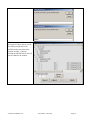
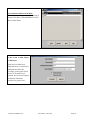
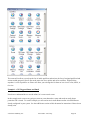
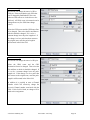
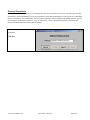
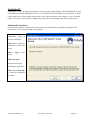
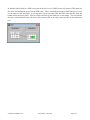
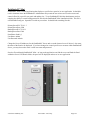
There is a clock control with a variety of properties that can be positioned and resized on the form. You can
display the clock with and without the face hashes and numbers and with your own background picture and/or
colors so that the clock can be customized for the look your panel requires. It can also be switched between
analog and digital.
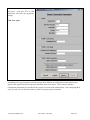
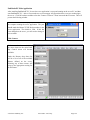
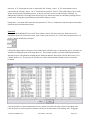
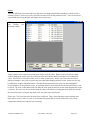
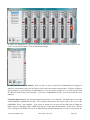
Meter controls are also available to PathfinderPro users to display dynamic metering for a source or destination.
There two meter controls in the toolbox. A standard meter and a meterfader. The standard meter can be dropped
onto a form and assigned to a router and source or destination and it will supply metering for the source or
© Software Authority, Inc.
Axia Audio / TLS Corp.
Page 172