1
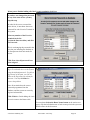
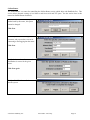
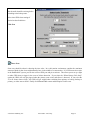
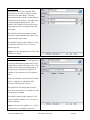
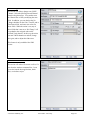
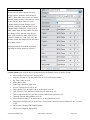
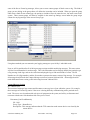
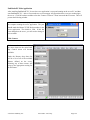
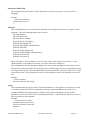
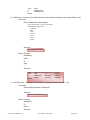
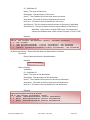
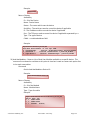
GPI State Change
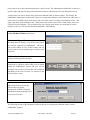
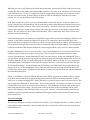
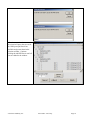
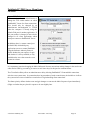
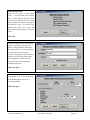
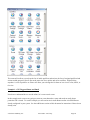
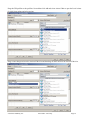
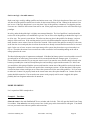
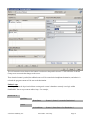
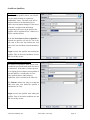
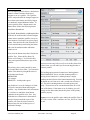
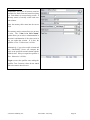
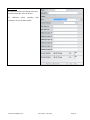
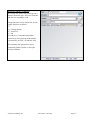
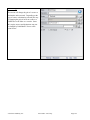
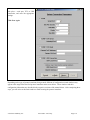
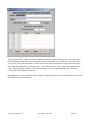
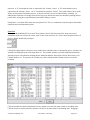
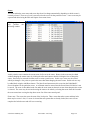
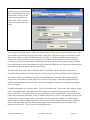
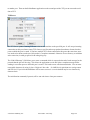
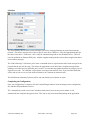
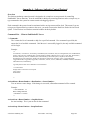
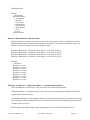
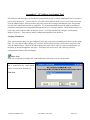
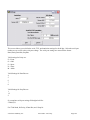
This action will change the state of a GPI or
GPO pin. Please note that the only GPIs that
can be changed by PathfinderPC Server are
software GPIs such as are in the driver or the
ASI card. All GPOs on an Axia network can be
changed however (See GPO State change
below).
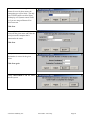
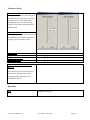
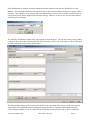
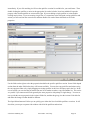
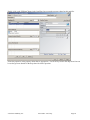
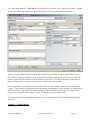
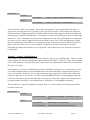
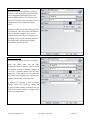
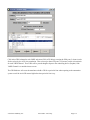
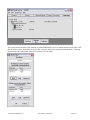
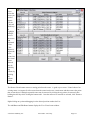
Select the GPIO router and the GPI Source Port
to be changed. Then select the Pin and State to
which it should be changed. If it is to be a
constant change leave the pulse length at 0. If
the change is to be a pulse that then returns to
the original state, enter the pulse length in
milliseconds in the Pulse field.
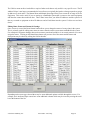
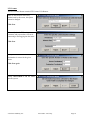
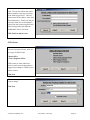
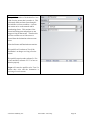
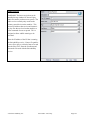
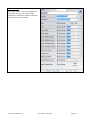
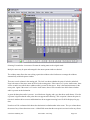
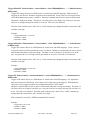
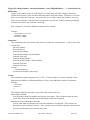
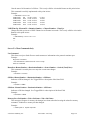
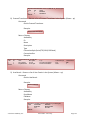
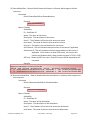
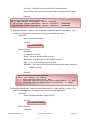
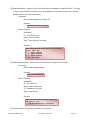
GPO State Change
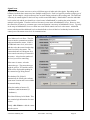
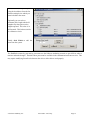
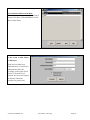
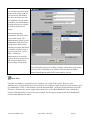
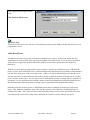
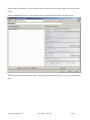
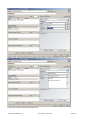
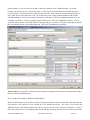
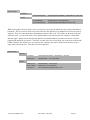
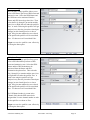
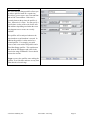
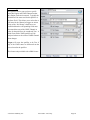
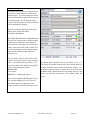
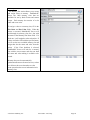
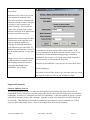
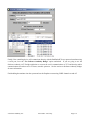
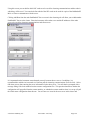
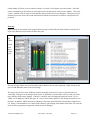
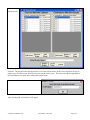
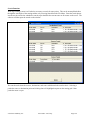
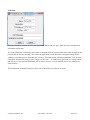
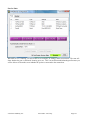
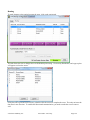
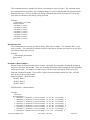
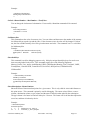
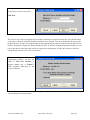
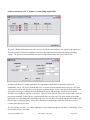
This action will change the state of a GPO pin.
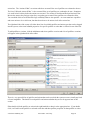
Select the GPIO router and the GPO
Destination Port to be changed. Then select the
Pin and State to which it should be changed. If
it is to be a constant change leave the pulse
length at 0. If the change is to be a pulse that
then returns to the original state, enter the pulse
length in milliseconds in the Pulse field.
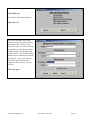
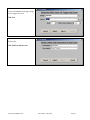
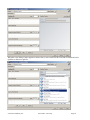
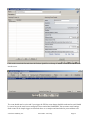
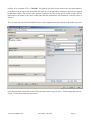
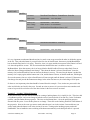
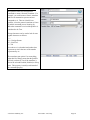
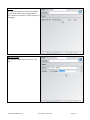
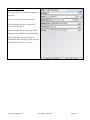
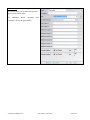
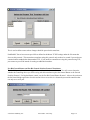
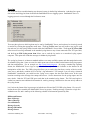
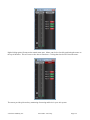
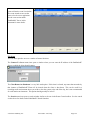
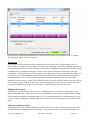
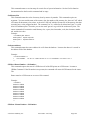
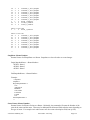
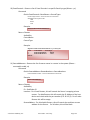
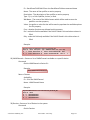
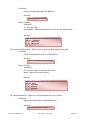
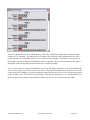
In addition it is possible to enter a Channel
Number which will effectively change the
Livewire Channel number associated with the
GPO. If this field is blank, no change will be
made to this assignment.
© Software Authority, Inc.
Axia Audio / TLS Corp.
Page 94