1
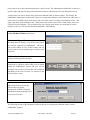
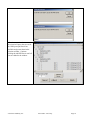
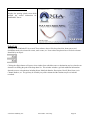
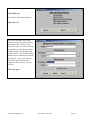
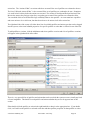
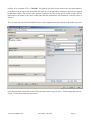
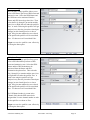
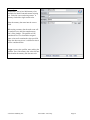
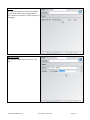
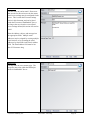
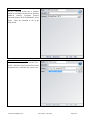
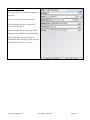
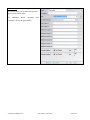
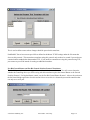
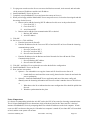
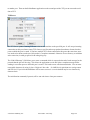
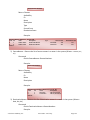
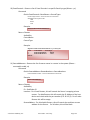
The Events menu item opens the same event editor wizard as the Events button on the Route Control toolbar.
See the section earlier above and in the PathfinderPC Server section on events creation and editing.
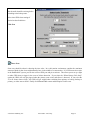
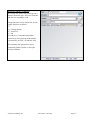
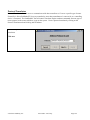
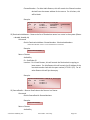
The Exit menu item will close the PathfinderPC Server application. Please be aware that at this point in time
PathfinderPC Server is not a service. The application must be running for PathfinderPC Server to be operational.
Routers Menu
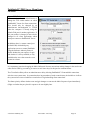
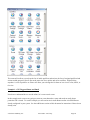
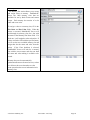
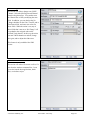
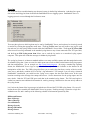
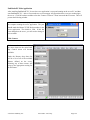
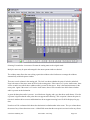
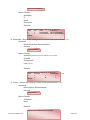
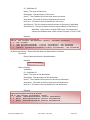
The Routers menu item lists the routers that are in the system. Clicking any Router in the list under this menu
will open that router in the client.
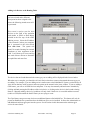
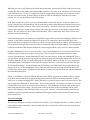
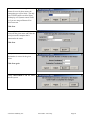
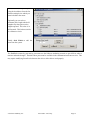
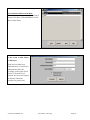
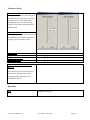
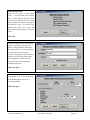
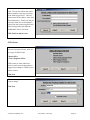
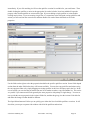
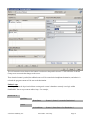
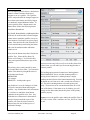
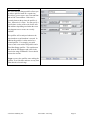
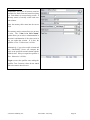
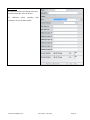
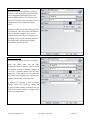
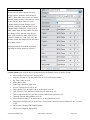
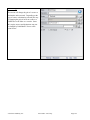
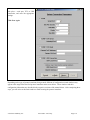
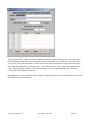
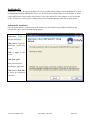
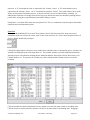
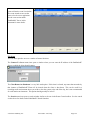
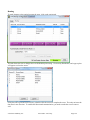
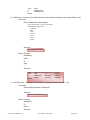
The Create Virtual Router and Edit Virtual Router menu items will open the virtual router creation wizard.
See the Virtual Router section above for details on creating and editing virtual routers.
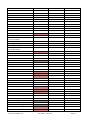
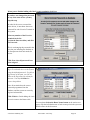
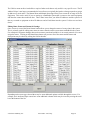
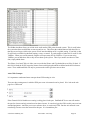
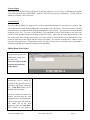
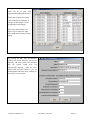
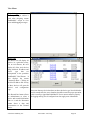
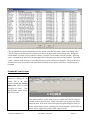
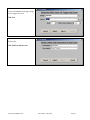
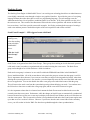
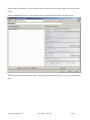
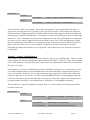
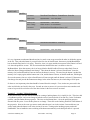
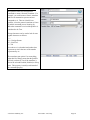
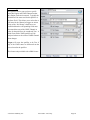
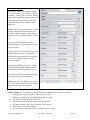
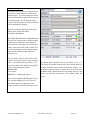
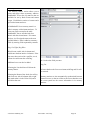
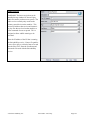
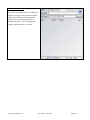
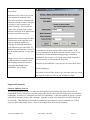
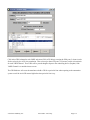
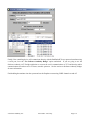
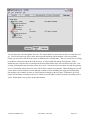
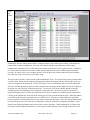
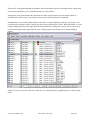
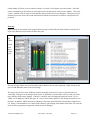
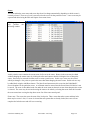
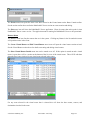
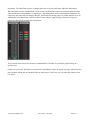
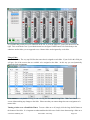
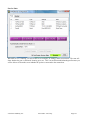
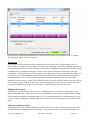
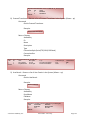
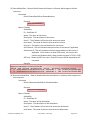
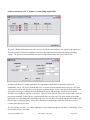
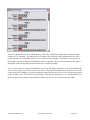
The Show Virtual Router Details menu item can be turned on or off. If this option is turned on and a virtual
router is open, there will be a section at the bottom of the list view of the virtual router. This will fill with data
about the base routes involved in any virtual route selected in the router.
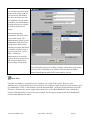
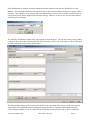
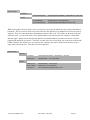
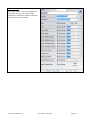
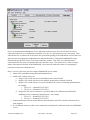
For any route selected in the virtual router that is selected this will show the base routers, sources, and
destinations involved in the route.
© Software Authority, Inc.
Axia Audio / TLS Corp.
Page 163