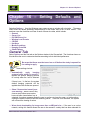
1
Chapter 16 – General Options
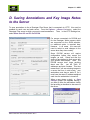
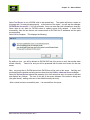
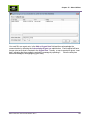
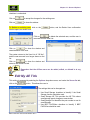
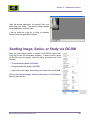
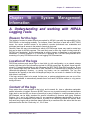
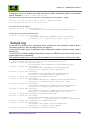
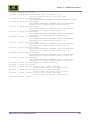
When finished, select
.
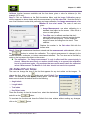
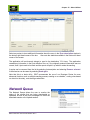
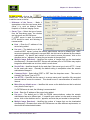
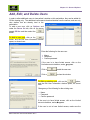
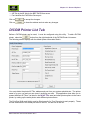
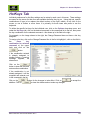
The functionality of all of the Printer Options is as per the DICOM Print Management Specification,
Version 3.3 from 2008. The values should be provided by the system manager and the system
manager can enter the values for the pull down values in the PACView .ini files. Note that some
values are only relevant for specific options, such as Smoothing Type is only relevant if
Magnification type = CUBIC. Also note that information must be filled in EXACTLY as expected
according to the standards, which are case sensitive and do not strip out spaces if they are entered.
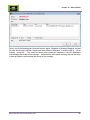
Window Level Presets Tab
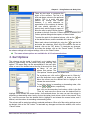
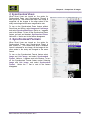
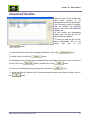
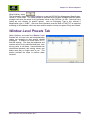
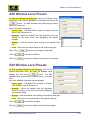
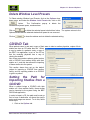
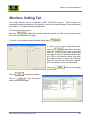
Under Options, and under the Window Level
Presets tab, the user can add window/leveling
values, set according to their specific viewing
preference. It tends to be more useful for CT
and MR settings. This sets the brightness and
contrast values for the identified body part, such
as lung, bone, or soft tissue. Users can add new
window/level presents, edit existing values, and
delete ones they no longer want to use. This
section provides the steps to perform these
functions.
BRIT PACSView User Manual UM-BPV-001.3
113