1
Section 12: Settings
This section explains Settings for customizing your phone.
1.
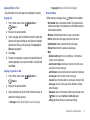
Accessing Settings
䊳
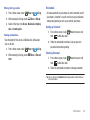
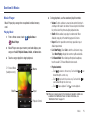
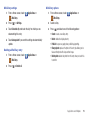
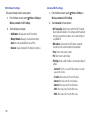
From a Home screen, touch
Menu ➔ Settings ➔
Wireless & network ➔Wi-Fi settings.
Menu ➔ Settings.
2.
– or –
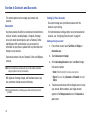
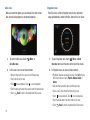
From a Home screen, touch
From the Home screen, touch
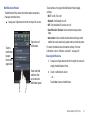
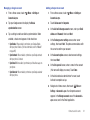
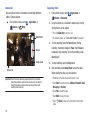
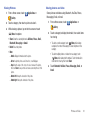
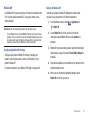
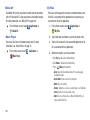
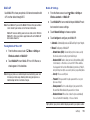
Touch Wi-Fi to turn Wi-Fi On or Off. When on, a check
appears in the checkbox.
Applications ➔
Settings.
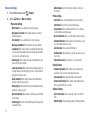
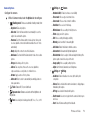
Wireless & network
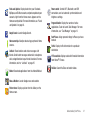
Control your phone’s wireless connections.
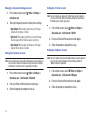
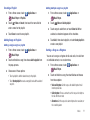
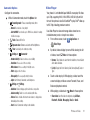
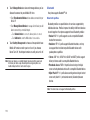
Detetected Networks
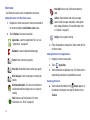
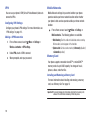
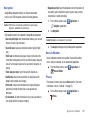
When Wi-Fi is on, detected networks display in this section of the
display.
1.
Menu ➔ Settings ➔
Wireless & network ➔Wi-Fi settings.
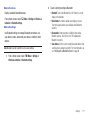
Wi-Fi Settings
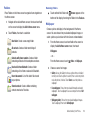
Set up and manage Wireless Access Points (WAPs). Your phone
supports Wi-Fi b/g/n.
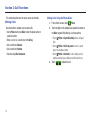
From the Home screen, touch
2.
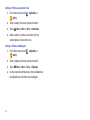
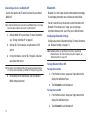
Under Detectected Networks, touch the network you would
like to connect to and follow the prompts.
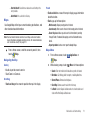
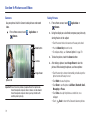
Turning Wi-Fi On or Off
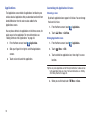
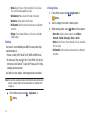
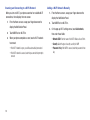
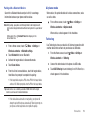
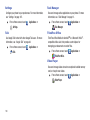
Turn your phone’s Wi-Fi service on or off. When you turn Wi-Fi
service on, your phone automatically searches for available, inrange Wireless Access Points (WAPs).
Tip: When you turn Wi-Fi service on, your phone automatically searches for
available networks, and displays the under Detected Networks.
Settings
107