1
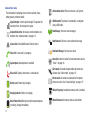
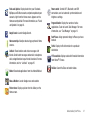
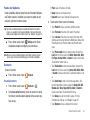
Latitude: Share your location with chosen friends
Maps: Tracks your current location, provides a
real-time view of traffic issues, and displays detailed
destination directions. For more information, refer to
“Maps” on page 97.
Market: Browse, download, and install Android
applications. For more information, see “Market” on
page 98.
Navigation: Google Maps Navigation (Beta) is an
internet-connected turn-by-turn, GPS navigation
system with voice guidance. For more information,
refer to “Navigation” on page 20.
News & Weather: Launch Google news and
weather.
Memo: Create text memos, and send memos via
Bluetooth. For more information, see “Memo” on
page 98.
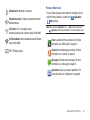
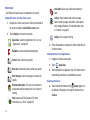
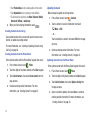
Places: Find places of interest near your Latitude
location. (For more information, refer to “Latitude”
on page 97.)
Mini Diary: Allows you to create a mini diary where you
can add a photo, and text to describe an event or other
memorable life event. For more information, refer to
“Mini Diary” on page 98.
Settings: Configure your phone to your preferences.
For more information, see “Settings” on page 107.
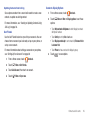
Mobile AP: Use your phone as a Wi-Fi modem for other
devices, such as a PC.
Music Player: Play music stored on an optional
installed memory card. For more information, see
“Music Player” on page 75.
32
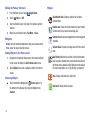
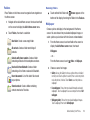
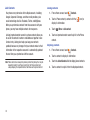
My Files: Find, view and manage files stored on an
optional installed memory card. For more
information, see “My Files” on page 100.
Talk: Chat with other Google Talk users. For more
information, see “Google Talk” on page 64.
Task Manager: View and manage active applications.
For more information, see “Task Manager” on
page 12.