1
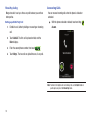
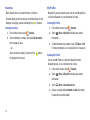
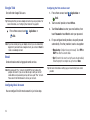
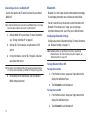
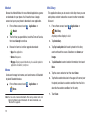
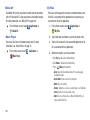
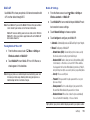
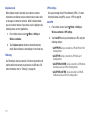
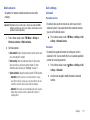
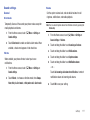
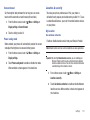
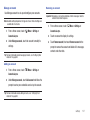
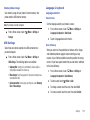
Voice privacy
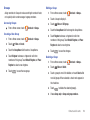
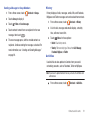
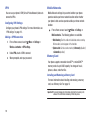
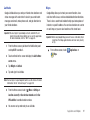
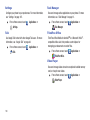
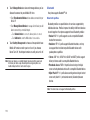
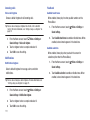
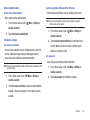
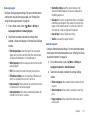
Emergency Numbers
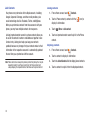
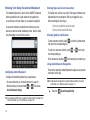
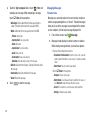
When enabled, Voice privacy encrypts your voice calls for
enhanced privacy.
1.
From a Home screen, touch
Menu ➔ Settings ➔ Call
1.
settings.
2.
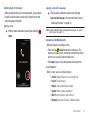
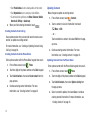
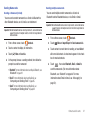
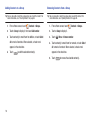
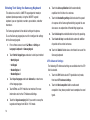
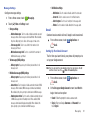
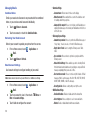
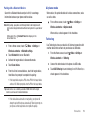
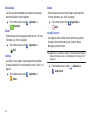
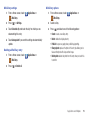
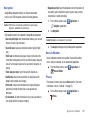
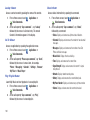
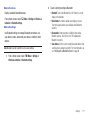
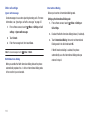
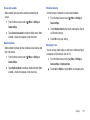
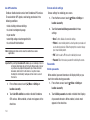
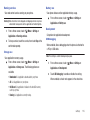
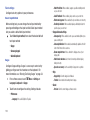
When activated, the phone automatically answers a call after a
specified period of time.
Menu ➔ Settings ➔ Call
Settings ➔ Auto answer.
2.
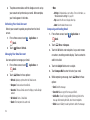
Select one of the predefined times. The phone
automatically answers the call after the determined
number of seconds.
116
2.
Menu ➔ Settings ➔ Call
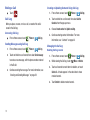
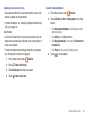
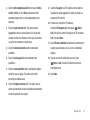
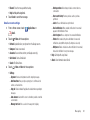
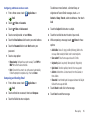
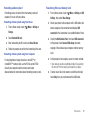
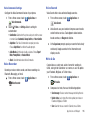
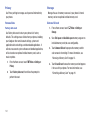
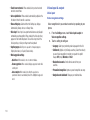
Touch Empty, enter a new emergency number then
touch Save.
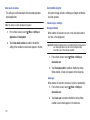
Auto answer
From a Home screen, touch
From a Home screen, touch
Settings ➔ Emergency Number.
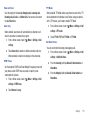
Touch Voice privacy to enable or disable voice privacy.
When enabled, a check mark displays in the check box.
1.
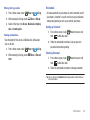
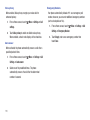
Your phone automatically includes 911 as an emergency call
number, however, you can enter additional emergency numbers
(such as local police or fire) .